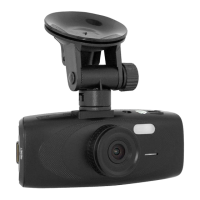
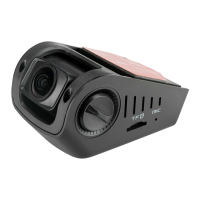
SPYTEC A118C 1080P HD DASH CAMERA WITH CAPACITOR USER GUIDE 13
On-Screen Feedback (Video)
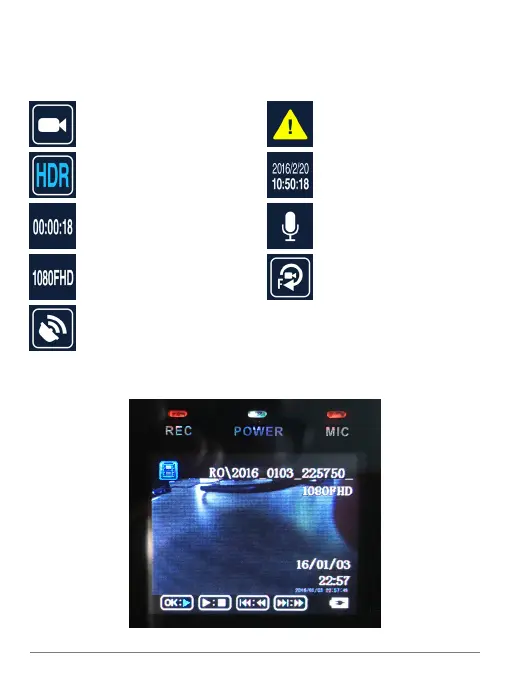
As you record video, you’ll notice a variety of icons and readouts superimposed on
the live view. Here’s what you’re seeing on the screen:
Video mode
“High dynamic range” for better
performance in some situations
Timer counts length of the le
Resolution setting
If GPS is turned on,
a dish icon appears; if not,
it will say No GPS
Protected File
Time and date stamp
Microphone On/OFF
If motion detection is
active, icon appears
Playing Videos and Photos on the Camera


 To Next Page