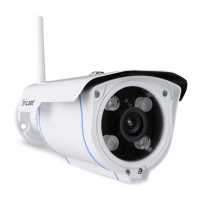
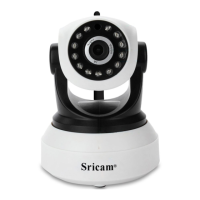
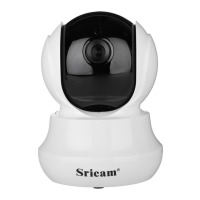
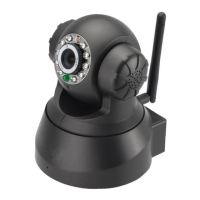
4-10
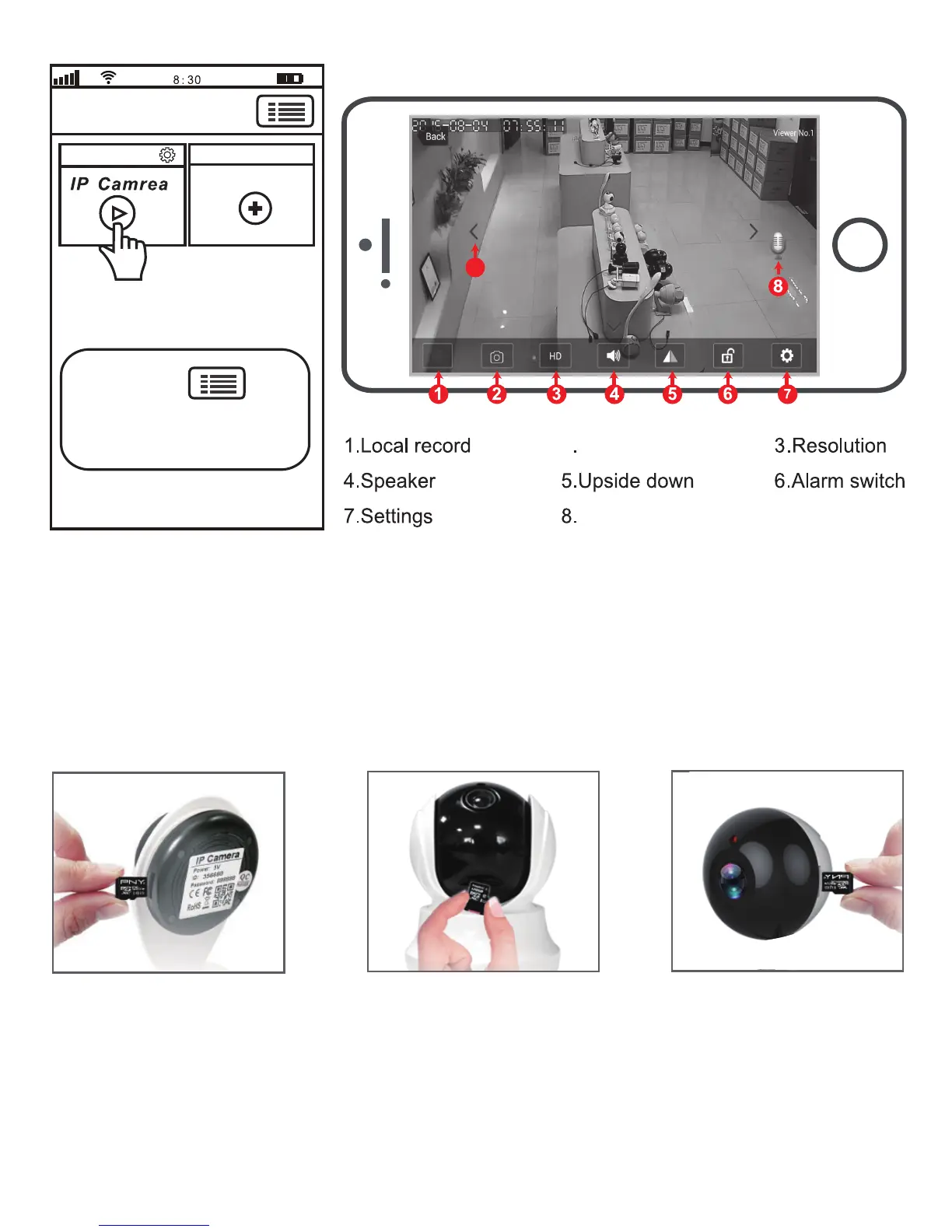
1) Insert the microSD card to the camera
IPCam
Add new device
Device List
Touch this button for
setting App“Authority. Multi-Media,
System,About us, Update, Logout.”
Live video stream on smartphone
Microphone
9
2) MicroSD card format and record setting
9.Pan & Tilt
2.Screenshots
FAQ1: MicroSD card record and playback setting
Log in “Sricam” App and follow the steps: Setting-> Record Setting-> SD card Formatting-> Record
Switch
(Note: If the SD card recording is full, it will automatically loop coverage, you do not need to
manually delete the video files).
5


 To Next Page