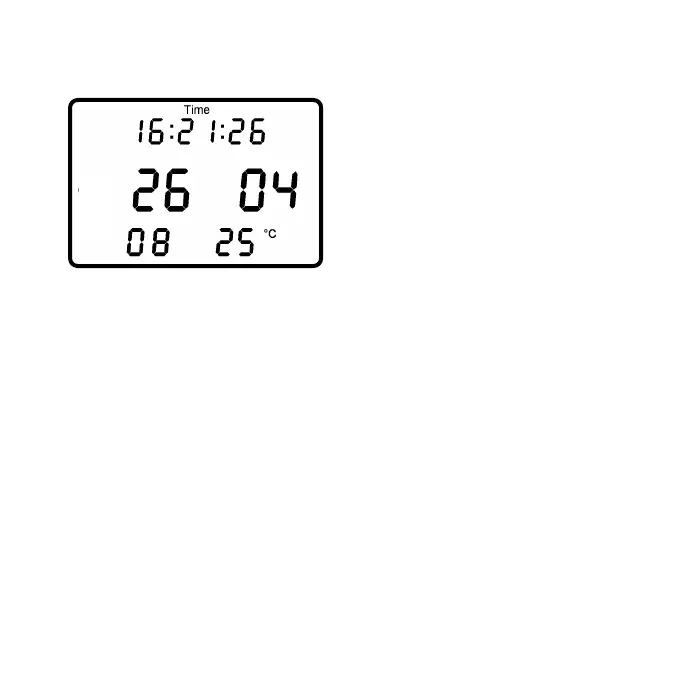
The Time/Date menu shows
the time and date the
PowerControl will use to store
the data.
• Top Line: Time of Day: Hours, Minutes, Seconds.
• Middle Line: Day, Month.
• Bottom Line: Year, Temperature in Celsius or Fahrenheit.
Setting can be changed using the SRM Software.
- Page 14 -


 To Next Page