.
To clear the PowerControl display and start a new training press
and simultaneouslyThe stored data of previous rides will
not be lost and can still be downloaded with the SRM Software.
.
The PowerControl can be charged
using the supplied charger or any
USB port. The battery has no
memory effect and can be char ged
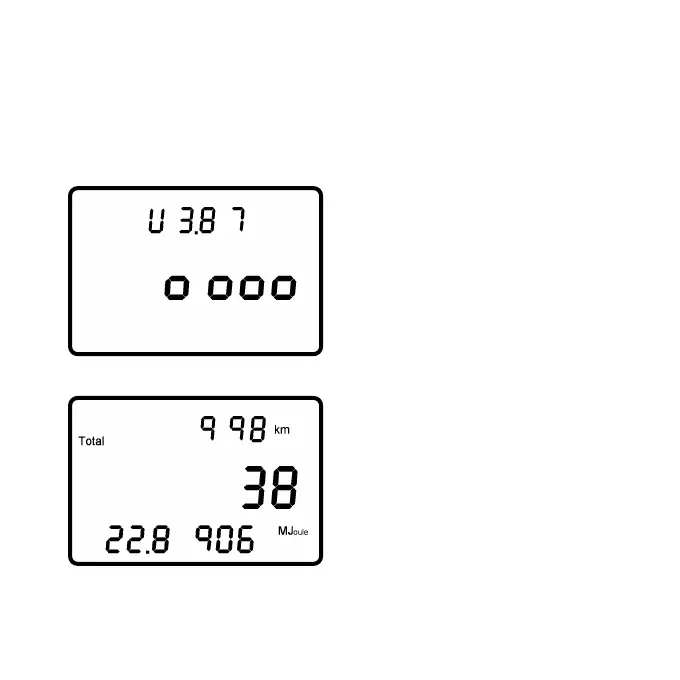
regularly. Press .and
simultaneously to check battery
status. It is full with a voltage over
4.00V and empty under 3.60V.
.
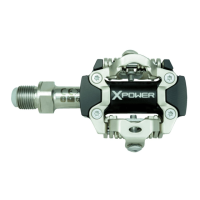
Press .again to see the
total amount of training:
• Total distance (e.g. 998 km)
• Total training hours (e.g. 38 h)
• Total energy expenditure
(e.g. 22,8906 Megajoule)
.will bring you back to main menu.
- Page 20 -


 To Next Page