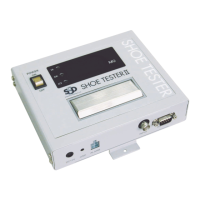
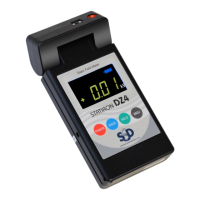
Measuring Ion Balance
By attaching the optional ion balance plate (sold separately) to the meter, you can measure
ion balance (offset voltage).
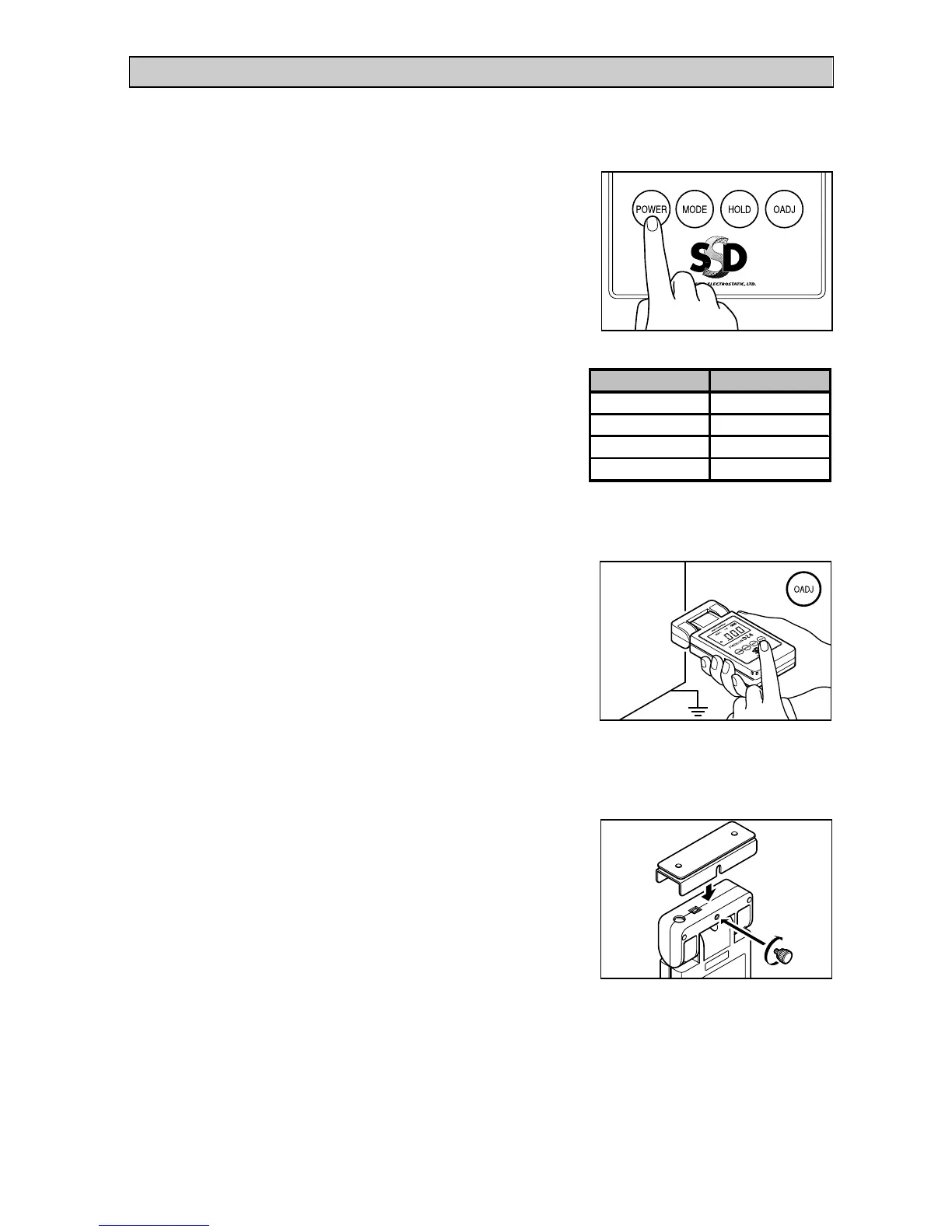
1. Turn the meter on.
Press the POWER button for more than
one second, until you hear a beep.
2. Set the mode you want to use.
Each time you press the mode button, the
meter scrolls through the modes in the
order shown in the table on the right. To
measure offset voltages, use the I.B mode.
3. Zero point adjust the meter.
Point the sensor at a grounded object and
press the 0ADJ button.
NOTE
Zero point adjustment is reset when you turn the meter off.
4. Attach the ion balance plate to
the meter.
Firmly screw the ion balance plate onto the
meter with the screw provided, making
sure that it is centered and there is no gap.
5. If you want to measure the maximum value of an offset voltage,
use the MAX I.B mode.
Refer to step 2 for how to set modes.
Mode
ModeMode
Mode
Panel display
Panel displayPanel display
Panel display


 To Next Page