23/11/15 21:55 75%
Display
Timers
Brightness
Usage Light
Theme
Standby Screen Off
23/11/15 21:55 75%
Usage Light
Brightness (Baery)
50%
Brightness (Mains)
50%
33
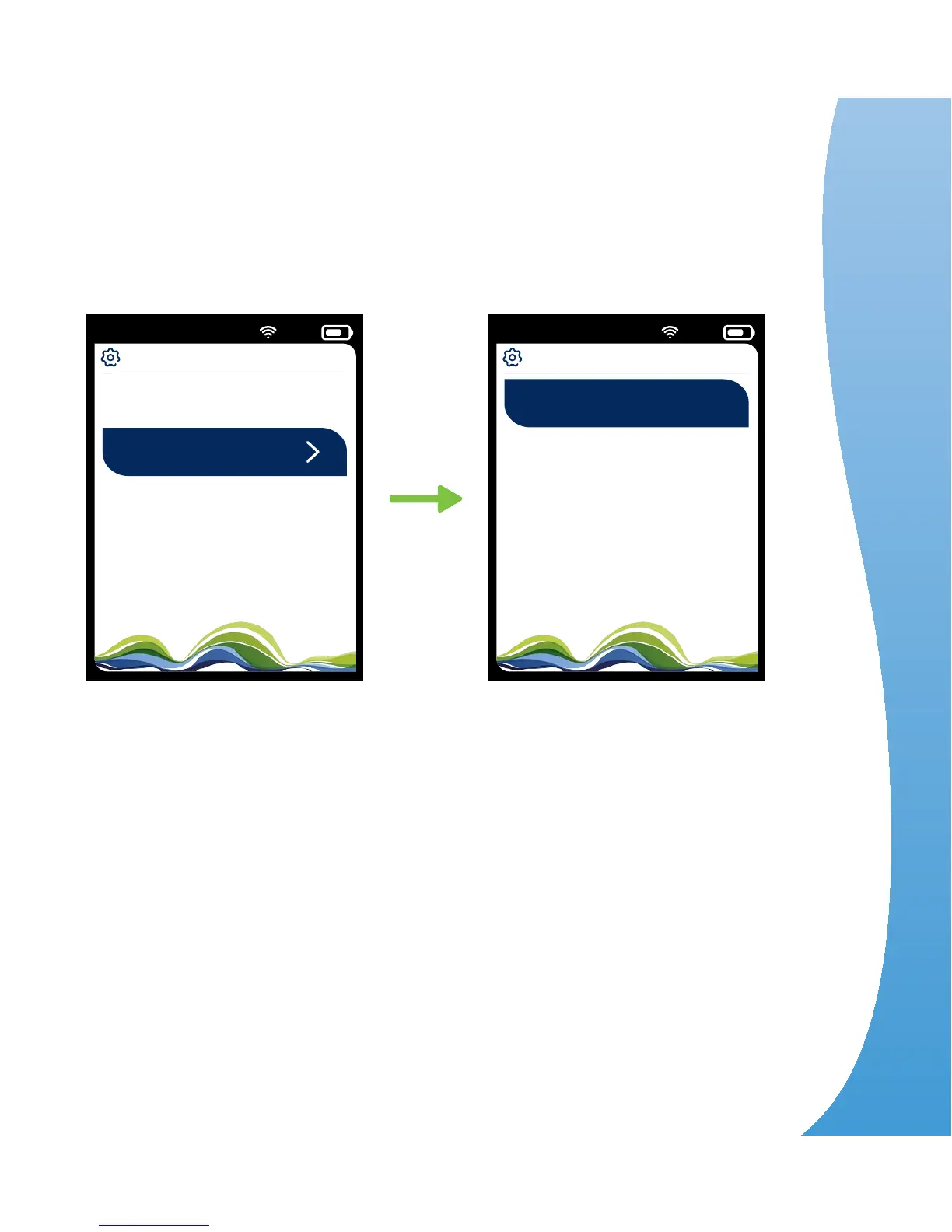
Usage light (shows energy use at the base of your unit)
You can choose your own settings for the usage light
brightness when running on mains and battery.
When running on the battery, if you reduce the
brightness, you’ll save energy and the battery will
last longer.
The usage light is at the base of the unit and shows how
your electricity use compares with your target by glowing
green, amber and red. You can alter the brightness.
Use the up and down arrows
to select brightness
Settings > Display >
Usage light > Press OK
4
Do more


 To Next Page