34
How do I change
the timer?
Home page
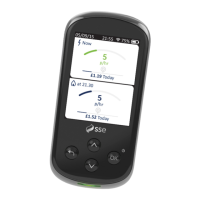
Your Smart Energy Tracker automatically jumps from your
current screen back to the home screen after a period of
time. Here you can decide how long before that happens.
Standby
After a period of inactivity, your Smart Energy Tracker will go
into standby mode. It’s set for 3 minutes but you can change
how long before it switches to standby.
Keep your
battery charged
so you can always
see your usage
for yesterday
and today


 To Next Page