23/11/15 21:55 75% 23/11/15 21:55 75%
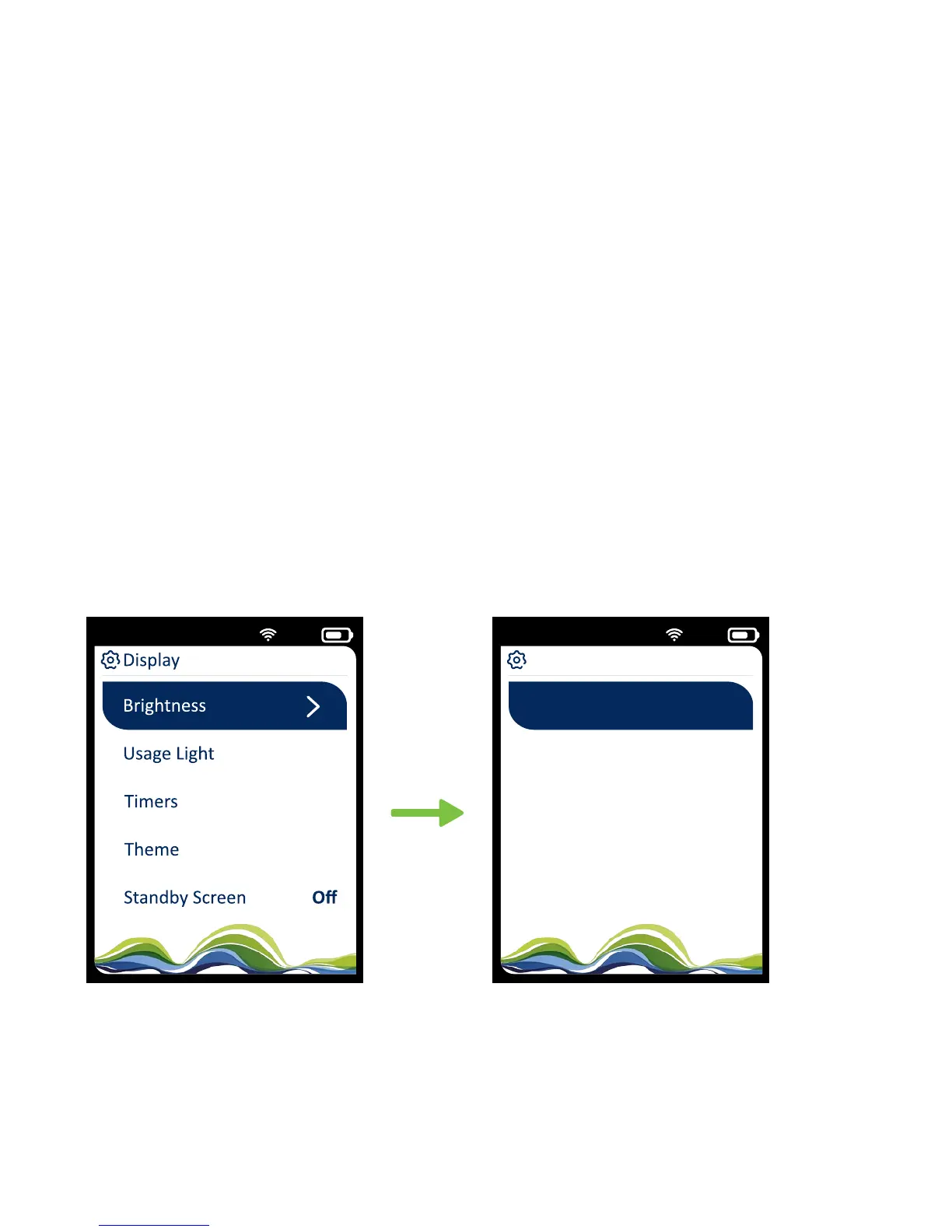
Brightness
On Mains
50%
On Baery 50%
32
How do I change
the brightness?
Screen brightness
You can choose your own settings for screen brightness when
running on mains and battery.
When running on the battery, if you reduce the brightness,
you’ll save energy and the battery will last longer.
Settings > Display >
Brightness > Press OK
Use the up and down arrows
to select brightness


 To Next Page