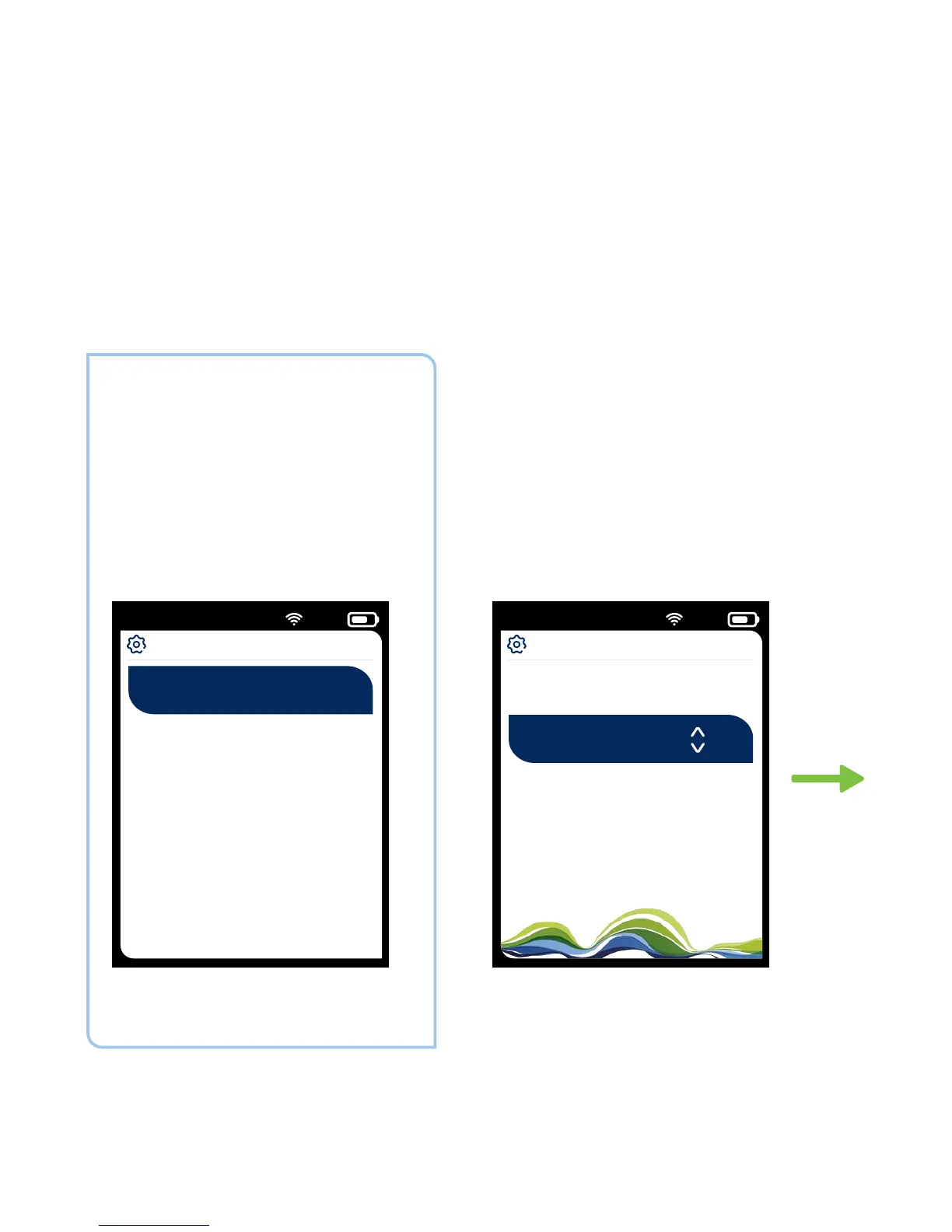
23/11/15 21:55 75%
Theme
Colour
Default
Home Page Arc
23/11/15 21:55 75%
Colour
Default
Home Page
Theme
36
Theme
Within themes you can change
the appearance of the display
on your Smart Energy Tracker.
You can invert the colours,
which may help if you are
colour blind.
How do I change the
way it looks?
Home page
You can change the way the
Home Page looks, and switch
between 4 dierent styles by
using the up and down buttons,
although your device is
pre-set to Arc.
Settings > Display > Theme
> Colours
Settings > Display > Theme
> Home Page


 To Next Page