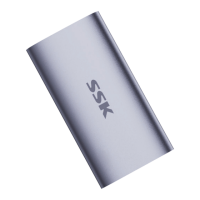
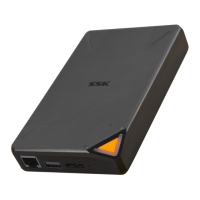
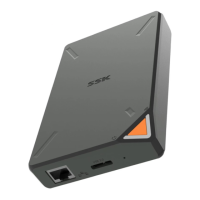
*Note:the steps or descriptions may vary depending on the operating
system version and settings.
04
For Windows
1. Click the Safely Remove Hardware and Eject Media icon in
the lower right corner of the taskbar.
2. Click "Eject XXX device" (here XXX is the Portable solid
state flash drive).
3. Wait for a while, and check if there is a pop-up prompt of
"safely remove hardware".
4. Unplug the product.
For Mac
1. Locate the product icon on the desktop.
2. Use a "secondary click" (two fingers on the touchpad on a
MacBook) to open the drop-down menu.
3. Click "Exit".
4. Check if the icon of this product disappears, and
disconnect after confirming.
For other host devices
Please refer to the user manual of the device for safe


 To Next Page