2727
Day Brightness
Adjust day mode brightness value.
Night Brightness
Adjust night mode Brightness.
When the vehicle lights are on, the
products illumination will be changed to
Screen and LED brightness settings for this
Gamma
LED Animation
Touch
Will cycle through all colors on LED
Default Setting: ON
LED Color
Touch
Adjust button lights in different colors.
Illumination Default
To restore Illumination settings to default.
Touch
Bluetooth Setting
Bluetooth Power
Touch
Default Setting: ON
Auto Connect
Touch
Gamma can be adjusted for both day
and night settings.
Will restore all display settings.
Bluetooth Device
Touch
Bluetooth device search.
Auto connect to the device when the product
is powered ON
Default Setting: ON
Auto Answer
Touch
Apple CarPlay Device
Touch
Wireless Apple CarPlay device search.
Auto answer when there is an incoming call.
OFF
NOTE
Touch
< >
Touch
< >
Touch
< >
Bluetooth will turn OFF
CarPlay or Android Auto is connected. If other
devices are connected via Bluetooth, they will
screen, go to
SETTINGS > Device > Bluetooth
Device
then touch the music or phone icon to
enable Bluetooth streaming or phone.
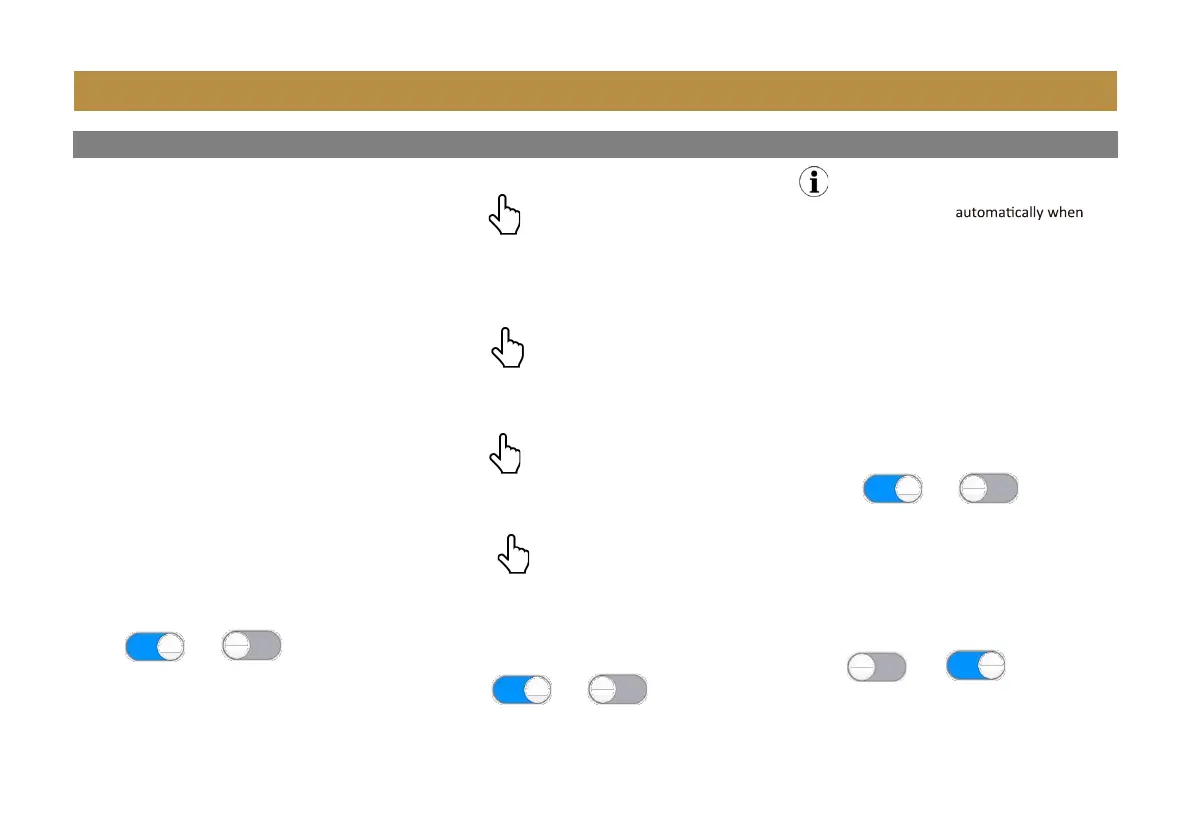
ON OFF
ON OFF
ON OFF
OFF ON
Device


 To Next Page