External loudspeaker
At the back side, the stabo xm 3003e is equipped with a jack (C)
for connecting an external loudspeaker with an 8 W impedance.
For improving the fidelity of reproduction, a loudspeaker can be
connected using a 3.5 mm mono jack plug. Install the loudspeaker
such that all possibilities of injuries to you or your passengers are
excluded in case of an accident.
Microphone jack
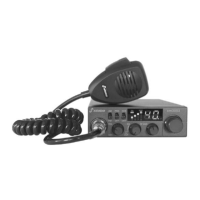
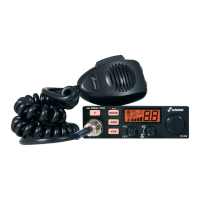
Connect the supplied microphone to the microphone jack at the
left front side of the radio set. Make sure that the recess on the
plug is oriented downwards. A packet radio modem (TNC) can
also be connected to this jack.
Adjustment according to countries (6)
The stabo xm 3003e features seven different channel configurations.
Prior to using the radio set, one of the adjustments has to be
selected.
80 channels FM(4W), 80 channels AM(1W)
1)
40 channels FM(4W), 40 channels AM(1W)
2)
40 channels FM(4W), 40 channels AM(1W)
2)
40 channels FM(4W) CEPT
3)
40 channels FM(4W) UK
4)
, 40 channels FM(4W) CEPT
40 channels FM(4W), 40 channels AM(4W)
5)
40 channels FM(4W), 40 channels AM(4W)
6)
carrier offset -5 KHz
1)
free of licence and charges in Germany
in D transmission in AM is restricted to channels 1- 40
2)
free of licence and charges in D, F, NL, P
individual licence required in B, CH
3)
free use in all CEPT-countries
in some countries individual licence is required
4)
only allowed in Great Britain
5)
only allowed in Spain
6)
only allowed in Poland
This radio is not allowed to be used in A!
When switching the radio set on, the selected channel configuration
is displayed for three seconds instead of the channel.
For changing the configuration, please proceed as follows.
1. Switch the radio set off.
2. Set the program switch (6) to the F position.
22


 To Next Page