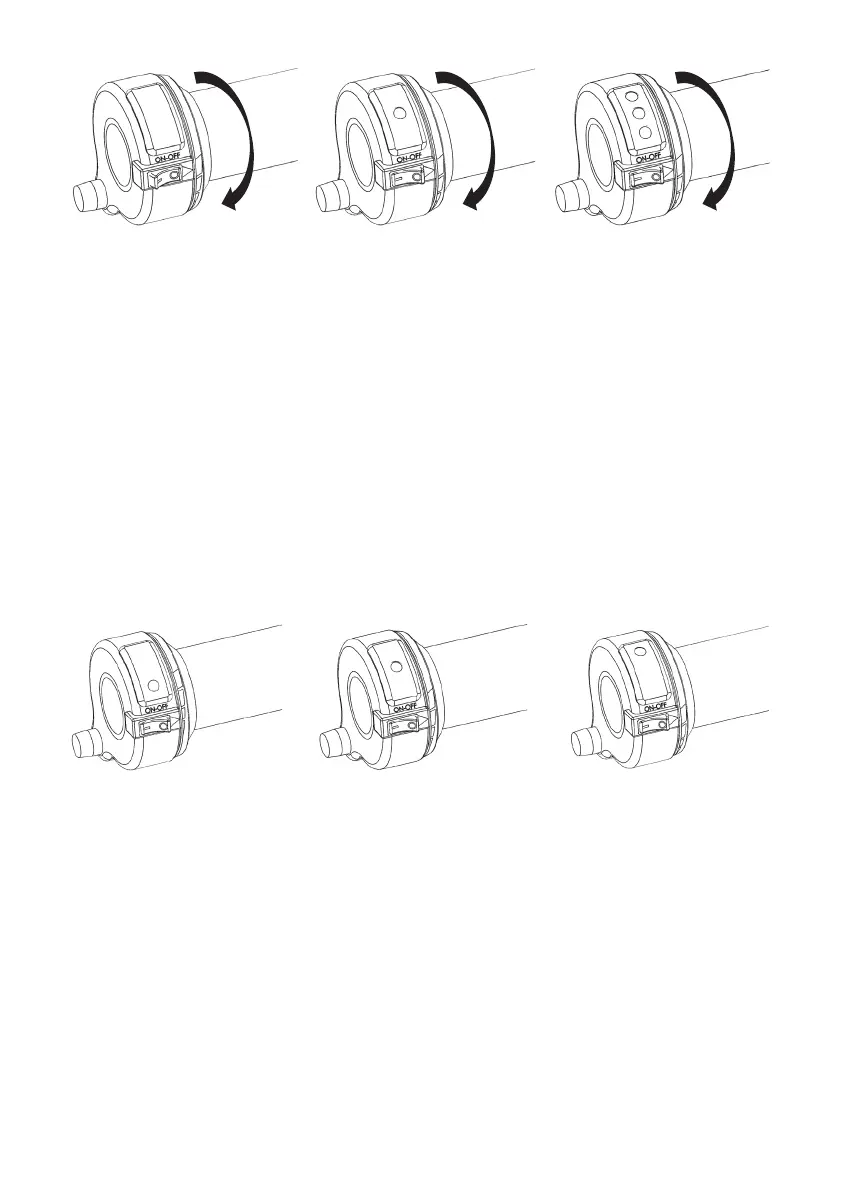
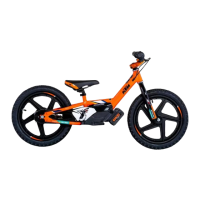
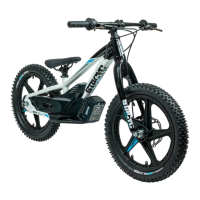
P a g e | 16P a g e |
Power Switch→”OFF”
Throle→”FULL” posion
HOLD THROTTLE IN FULL
POSITION
Power Switch→”ON”
Throle→”FULL” posion
LED→ashing YELLOW
5 yellow ashes
Selecon MODE:
Throle→”LOW” posion
LED→solid RED
(training mode)
Selecon MODE:
Throle→”MID” posion
LED→solid YELLOW
(standard mode)
Selecon MODE:
Throle→”FULL” posion
LED→solid GREEN
(advanced mode)
Power Switch→”ON”
Throle→”FULL” posion
LED→ashing GREEN, YELLOW
AND RED
5 Green/Yellow/Red ashes with
5 beeps, all LEDS stay lit, release
throle, all LED lights o, ready
to choose power model
Select Program:
6. Turn throle, and as the throle moves through the range of power
modes, the Red, Yellow, or Green LED light will illuminate.
7. Hold Throle at the power mode (LED posion) desired
approximately 5 seconds unl “2 short beeps” are heard.
o Red→training mode (slow)
o Yellow→standard mode (medium)
o Green→advanced mode (fast)
Exit Program Selecon:
8. Release throle.
9. All LED lights ash together 1 me with “1 long beep”.
10. LED Light indicang selected power mode will now be illuminated.
o Operaon of cycle will be with the illuminated power
mode. Cycle will stay in this power seng unless changed
as per steps above:
o Red→training mode (slow)
o Yellow→standard mode (medium)
o Green→advanced mode (fast)



 To Next Page