AC S.A. All rights reserved. Any unauthorized copying, reproduction, publishing, dissemination, disclosing or other use of information presented herein, in whole or as part, particularly photographs,
drawings, trademarks, etc., may lead to prosecution or civil proceedings.
12
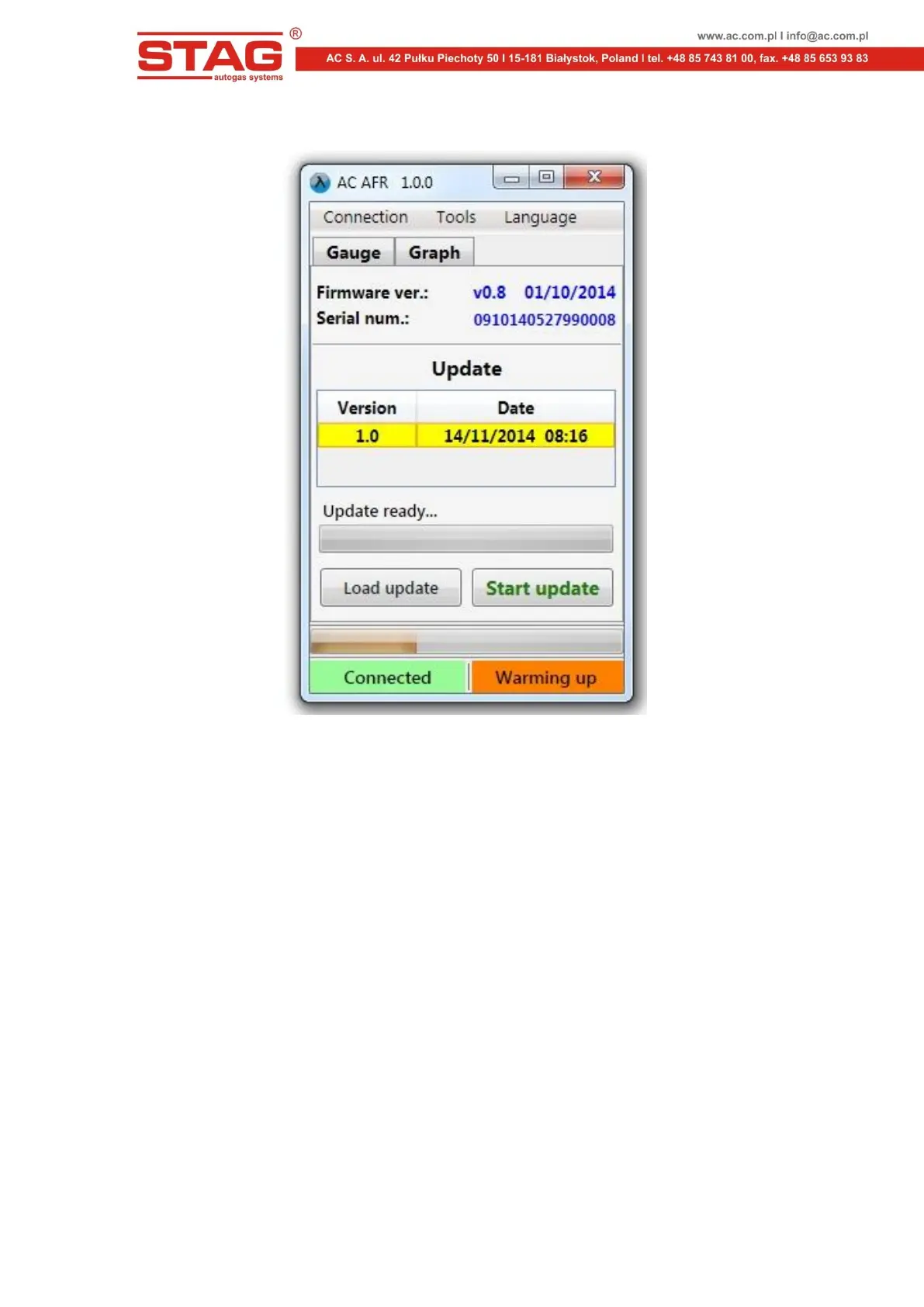
5.7 "Update" window
Figure 10. "Update" window
The software version of the controller being currently connected is displayed in upper part of the window.
The list of available updates is presented in table below To load an update file from outside of the
program catalogue, press the "Load" and select an update file. The loaded update will appear on the list of
available updates. The "Update" key starts to upgrade controller software by using a selected update file.
When upgrading is done, connection to the controller is temporarily broken and established one again.
A new software version should be displayed in upper part of the window, in compliance with the selected
update file.
If the upgrading process fails, the "Update" window will open automatically after connection to the
controller is restored. The upgrading process should be repeated.



 To Next Page