COMPUTER INSTRUCTIONS
13
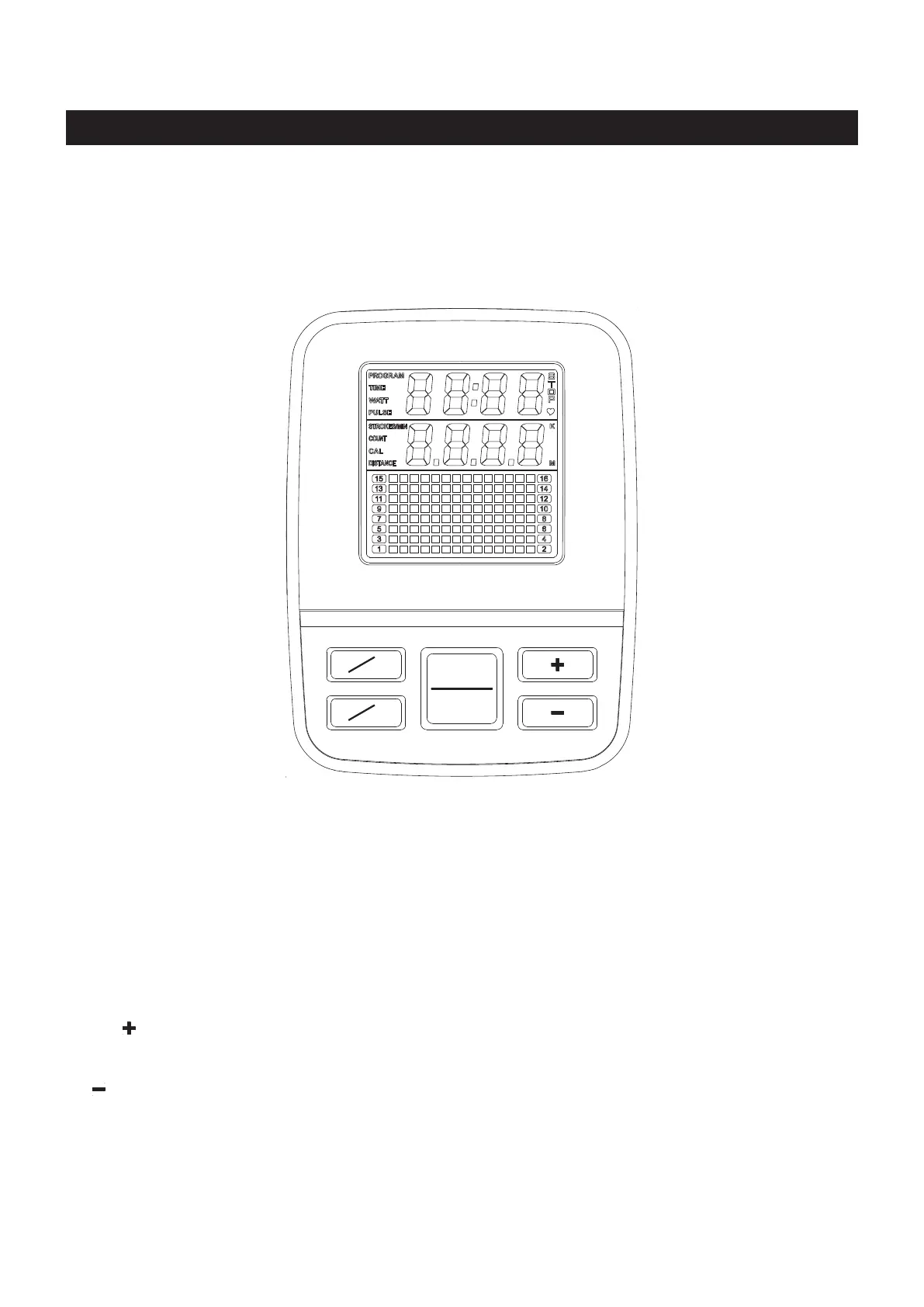
Press to show the programs for selecting from P1 to P9, and U1 to U4.
Press and hold the button down for ve seconds to reset all of the function values to zero.
In STOP mode, press to select a program from P1 to P9, and U1 to U4. Press to preset
the function values for TIME, COUNT, DISTANCE, CALORIES, and PULSE.
During exercise, press to switch the display function values between xed display or
automatically scan display.
Press to increase the preset values.
Press to increase the level of the workload when running a program.
Press to decrease the preset values.
Press to decrease the level of the workload when running a program.
Press to start the selected program. Press the START
/ STOP button to stop the program.
You can press the START / STOP button again to continue to run the current program, or
use PROG/RESET button to select a new program.
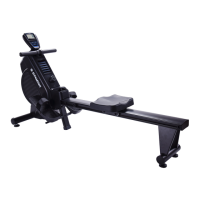
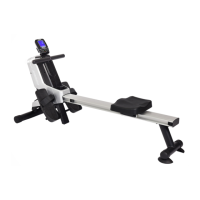
Your Stamina® 1130 Magnetic Rowing Machine utilizes a magnetic braking system to create resistance
for your workout. You control the amount and pattern of this resistance by means of the advanced computer
console built into the Stamina® 1130 Magnetic Rowing Machine. We recommend that you use this computer
console to vary your workout from session to session and note your progress toward your tness goals.
When used regularly in this way, the computer console can become an important source of motivation and
interest which will help keep you on track.
FUNCTION BUTTONS:
PROG/RESET :
FUN/SCAN :
(UP) :
(DOWN) :
START/STOP :
START
STOP
SCAN
FUN
RESET
PROG



 To Next Page