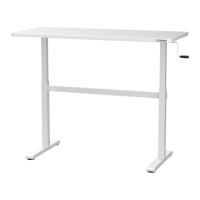
ELECTRIC
SIT-STAND DESK
Instruction Manual
Connect the desk to power.
You can now use the sit-stand desk.
19
Operation Instruction:
Upward movement
Downward movement
Press the “ ” or “ ” and do not release until the
desk reaches the desired height. To avoid possible motor
damage, do not continuously operate the control panel
for over 2 minutes. Should the unit be operated over this
time, please allow the system to rest for at least 18
minutes prior to using it again.
Overload protection mode: the desk will enter overload
protection mode should the system exceed maximum
loaded weight. Should this occur, the system will power
off automatically. Before using it again, remove some
items on the desk until the system is within the
maximum loaded weight.
TRFSEL63BLBL

 Need help?
 General

 To Next Page