EasyManua.ls Logo

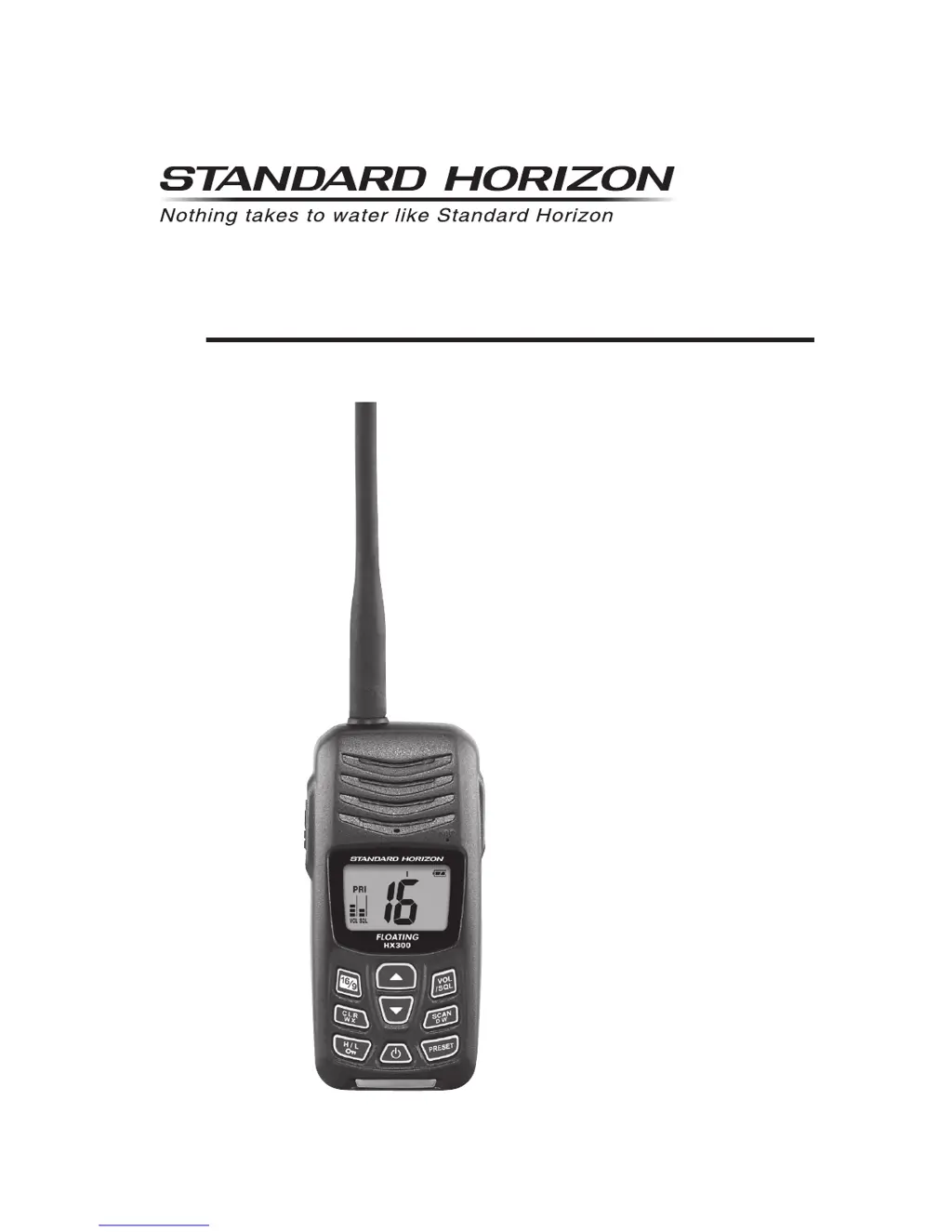
Standard Horizon HX300E - User Manual

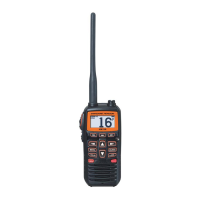
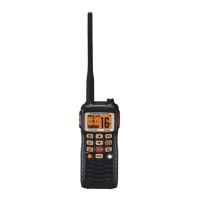
Standard Horizon HX300E
40 pages
Print Icon
To Next Page IconTo Next Page
Loading...
Page 1HX300E
HX300E
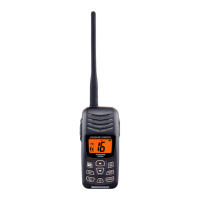
Floating VHF FM Marine Transceiver
Owners Manual

Questions and Answers

  • A
    Abigail RossJul 30, 2025
    Why some keys do not operate on my Standard Horizon HX300E Transceiver?
    • J
      Jeffery MorrisJul 30, 2025
      If some keys on your Standard Horizon Transceiver are not working, it's likely because the Key Lock is activated. To deactivate it, simply hold down the key for 2 seconds.
  • C
    Cheryl CruzAug 15, 2025
    What to do if speaker audio is not heard when pressing a key on Standard Horizon Transceiver?
    • A
      Amy MirandaAug 15, 2025
      If you can't hear any speaker audio when you press and hold a key on your Standard Horizon Transceiver, there are a couple of potential reasons. First, the battery may be low, in which case you should charge it. Second, the audio volume might be set too low. To increase the volume, press the key several times until the “VOL” indicator blinks, then press the key several times.

Summary

Quick Reference Guide

Basic Operation Steps

Step-by-step guide for basic radio operation.

1. General Information

1.2 RF Exposure Safety Statement

Safety guidelines regarding radio frequency exposure.

3. About This Radio

3.3 Distress and Hailing (Channel 16)

Procedure for making distress and hailing calls on Channel 16.

3.4 Calling Another Vessel

4.2.1 Battery Safety

Handling and Usage Precautions

Precautions for handling and using Li-ion batteries.

4.2.2 Battery Installation; Removal

Installing and Removing the Battery Pack

Step-by-step guide for installing and removing the battery pack.

4.2.3 Battery Charging

Charging the Battery Pack

Procedure for charging the battery pack using AC or USB.

5. Controls and Indicators

5.1 Controls and Switches

Identification and location of the radio's controls and switches.

LCD Display Indicators

Explanation of symbols and indicators shown on the LCD.

Keypad Functions

Additional Control Functions

5.2 LCD Indicators

Keylock, TX, Busy, and Band Indicators

Explanation of Keylock, TX, Busy, and band (U/I/C) indicators.

Scan, Battery, and Preset Indicators

Explanation of Scan, Battery, and Preset indicators.

More LCD Indicator Explanations

Priority, Charge, Memory, and Power Indicators

Explanation of PRI, CHG, M, and L indicators.

Watch Modes and Volume;Squelch Indicators

Explanation of TW DW, VOL, SQL, and Channel Display indicators.

6. Basic Operation

6.2 Reception

How to turn on the radio and adjust reception settings.

6.3 Transmission

Transmitting and Power Settings

Procedure for transmitting, including power settings and PTT usage.

6.6 Preset Channels (0 ~ 9)

Programming and Accessing Preset Channels

How to program and access preset channels for quick recall.

6.6.2 Operation (Preset Channels)

Recalling and Deleting Preset Channels

How to recall and remove channels from the preset bank.

6.7 Scanning

6.7.1 Programming Scan Memory

6.7.2 Selecting Scan Type

6.7.3 Operation (Scanning)

6.8 Dual Watch

6.9 Tri-Watch

8. Menu (“Set”) Mode

Menu Mode: Scan, Watch, and Light Settings

9. Maintenance

9.3 Troubleshooting Chart

Common symptoms, probable causes, and remedies for issues.

10. VHF Marine Channel Assignments

VHF Marine Channel Chart (Part 1)

VHF Marine Channel Chart (Part 2)

VHF Marine Channel Chart (Part 3)

11. Specifications

Standard Horizon HX300E Specifications

General IconGeneral
TypeHandheld VHF Marine Transceiver
Frequency Range156.000 - 163.425 MHz
Waterproof RatingIPX7
ChannelsUSA, International, and Canadian channels
BatteryLi-ion rechargeable battery pack
Dimensions2.4 x 5.1 x 1.4 inches (60 x 130 x 35 mm)

Related product manuals