EasyManua.ls Logo

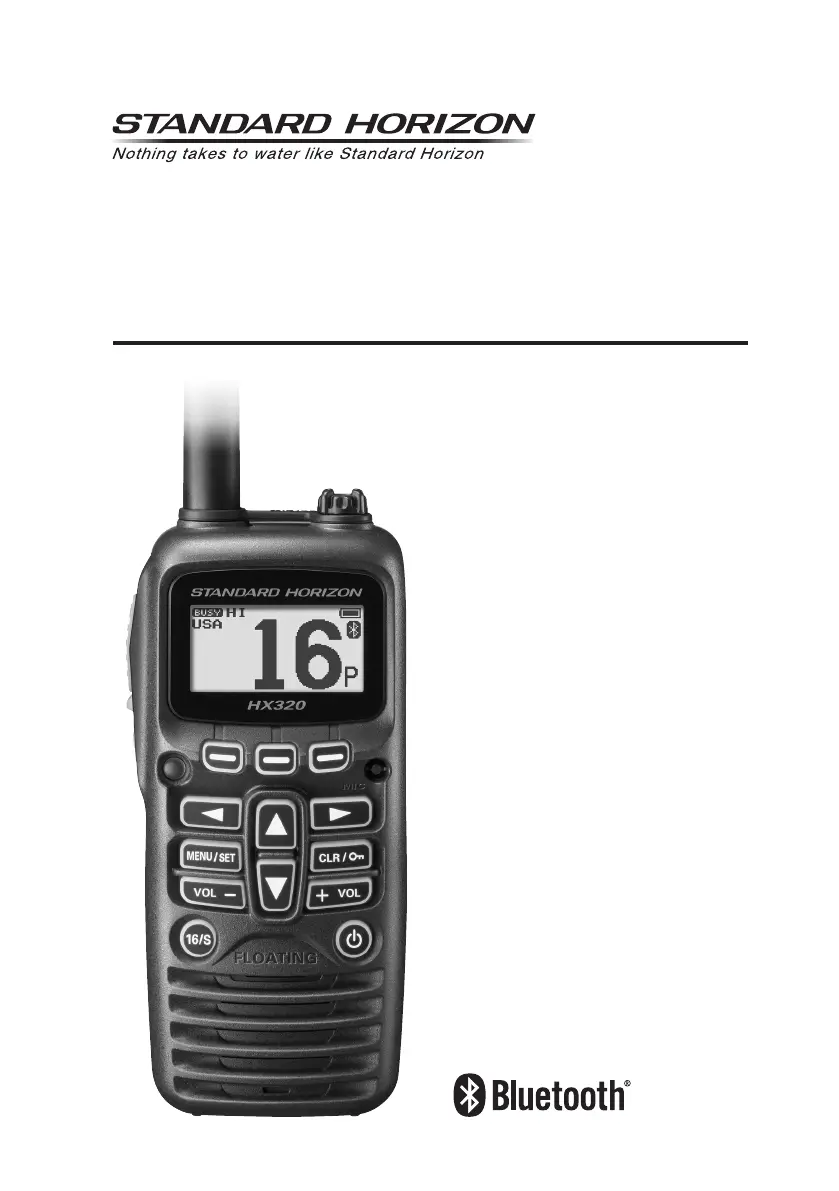
Standard Horizon HX320 - User Manual

Standard Horizon HX320
60 pages
Print Icon
To Next Page IconTo Next Page
Loading...
HX320
HX320E
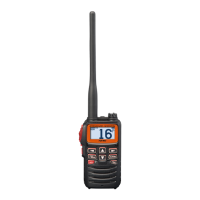
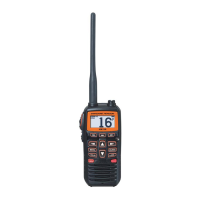
Floating VHF FM Marine Transceiver
Owners Manual

Table of Contents

Questions and Answers

  • R
    Robert KellyAug 10, 2025
    What to do if charge indicator does not appear on Standard Horizon Transceiver?
    • E
      Elizabeth ReynoldsAug 10, 2025
      If the charge indicator doesn't appear when charging, there could be a few reasons. First, ensure the transceiver is correctly placed on the Charger Cradle. Also, verify that the Charger Cradle is receiving power by connecting the USB AC Adapter for AC/DC power. If these steps don't resolve the issue, it may be due to a defective built-in battery.
  • S
    Susan PhillipsAug 20, 2025
    Why Standard Horizon HX320 cannot output sound when pressing SQL key?
    • R
      Ronald LarsonAug 20, 2025
      If your Standard Horizon Transceiver isn't outputting sound when you press and hold the SQL key, there are a couple of potential causes. It could be due to a low battery, so try charging it. Alternatively, the audio volume level might be too low. In that case, press the [VOL+] key until you hear background noise.
  • T
    Thomas BassAug 30, 2025
    How to fix unresponsive Standard Horizon Transceiver?
    • M
      Mr. Jamie SmithAug 30, 2025
      If your Standard Horizon Transceiver is unresponsive and cannot be turned off, the microcomputer may have frozen. To restart the transceiver, press and hold the POWER switch for over 15 seconds.

Summary

Quick Reference Guide

PTT Switch Operation

Activates the transceiver's transmitter when the PTT button is pressed.

SQL Switch Functionality

Controls squelch level for clear reception, can also open squelch.

Menu and Setup Access

Accesses the menu and setup modes for configuration.

Volume Control Keys

Adjusts the audio volume for the speaker.

Channel Recall (16;S)

Recalls emergency channel 16 or the sub channel.

Soft Key Functions

Customizable keys for quick access to functions displayed on screen.

Microphone Usage

Microphone for voice input during transmission.

CLR;On Key Functions

Cancels operations or locks/unlocks the keypad.

Power Key Operation

Powers the transceiver on or off.

Safety Precautions

General Safety Guidelines

Important safety guidelines for using the transceiver to prevent hazards.

Distress and Hailing (Channel 16)

Notes to Assure Waterproof Integrity

Getting Started

Batteries and Chargers

Information on the built-in rechargeable battery and charging.

Battery Safety Precautions

Safety precautions for handling Li-ion batteries.

Battery Charging Procedure

Controls and Indicators

Controls and Switches Identification

Identifies and describes the physical controls and switches on the transceiver.

LCD Indicator Explanations

Basic Operation Guide

Initial Setup Steps

Instructions for installing the antenna.

Reception Procedures

Steps for receiving signals and adjusting volume.

Transmission Procedures

Channel Group Settings

Keypad Locking Mechanism

NOAA Weather Channels (USA;Canada)

NOAA Weather Alert Function

Preset Channels for Instant Access

Deleting a Preset Channel

Scanning Features

Scanning Operation Guide

Multi Watch Functionality

Starting Triple Watch

Soft Key Customization

Advanced Operation Features

Bluetooth Headset Transmit Operation

Bluetooth Headset Hands-Free VOX

Connecting to Paired Bluetooth Headsets

VOX Operation Mode

Menu and Setup Configuration

Scan Memory Management

Scan Type Selection

Multi Watch Settings

Priority Channel Configuration

Sub Channel Assignment

VOX Function Details

Bluetooth Settings

ATIS Setup (HX320 E Only)

Configuration Settings

Strobe LED Functionality

Key Setup for Soft Keys

Resetting Transceiver Settings

Setup Menu Operations Table

ATIS Code Programming

ATIS Channel Group Settings

Maintenance Information

VHF Marine Channel Assignments

HX320 E VHF Marine Channels

Transceiver Specifications

RF Exposure Safety Statement

Standard Horizon Limited Warranty

Standard Horizon HX320 Specifications

General IconGeneral
BrandStandard Horizon
ModelHX320
CategoryTransceiver
LanguageEnglish

Related product manuals