EasyManua.ls Logo

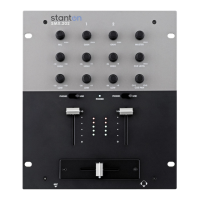
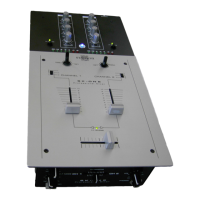
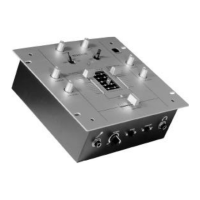
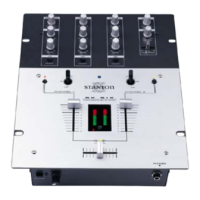
Stanton SCS.1m - User Manual

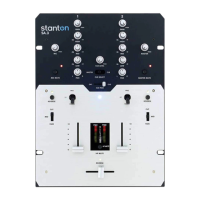
Stanton SCS.1m
56 pages
Print Icon
To Next Page IconTo Next Page
Loading...
=E(
(;1.-31.+81 I8(.-31 
21-8+

Questions and Answers

  • M
    Michael LoveAug 10, 2025
    Why am I getting click and pops in my Stanton SCS.1m audio?
    • S
      Steven HudsonAug 10, 2025
      Clicking and popping sounds in your audio can often be attributed to a ground loop, especially if the issue disappears when your computer is running on battery power. Check if the noise persists even without software playback. If increasing the buffering in the driver resolves the problem, it may indicate a system performance issue. Try using only the SCS.1m. Ensure that the SCS.1 controllers are connected directly to the computer, with other devices plugged into them or running on a separate port. If you're using Windows XP, consider the SidSpeed fix as outlined in Microsoft articles to see if it addresses the issue.
  • P
    patricia10Aug 16, 2025
    Can I power my Stanton SCS.1 Music Mixer with just a FireWire cable?
    • K
      Kristina SharpAug 16, 2025
      The SCS.1 controllers need external power to function. Therefore, you cannot power the SCS.1 controllers using just the FireWire cable.
  • Y
    yvazquezAug 22, 2025
    What to do if my computer doesn't have a 6 pin FireWire port for my Stanton SCS.1m Music Mixer?
    • A
      alyssagonzalesAug 22, 2025
      If your computer doesn’t have a 6 pin FireWire port, utilize the 6 to 4 pin adapter included in the SCS.1m package.
  • K
    Kathryn VegaAug 28, 2025
    Where can I find the driver for my Stanton SCS.1m controller?
    • B
      beckbillAug 28, 2025
      In Windows, the driver installer is integrated within the SCS.1 DaRouter software. For OS X, the SCS.1m is Core Audio compliant and doesn’t require a driver. Ensure you've downloaded the latest driver from the Stanton website, as outlined in the installation procedure.
  • J
    James LittleSep 3, 2025
    What to do if my Stanton SCS.1m and SCS.1d Music Mixer won't power up?
    • J
      Jamie HarrisSep 3, 2025
      If both the SCS.1m and SCS.1d fail to power up, it's likely that the power supplies for each controller have been swapped. Plugging the incorrect power cord into a unit will prevent it from powering on.

Summary

Connecting the SCS.1 m

Connecting to Your Computer

Step-by-step guide for connecting the SCS.1m to a computer via FireWire, including driver installation.

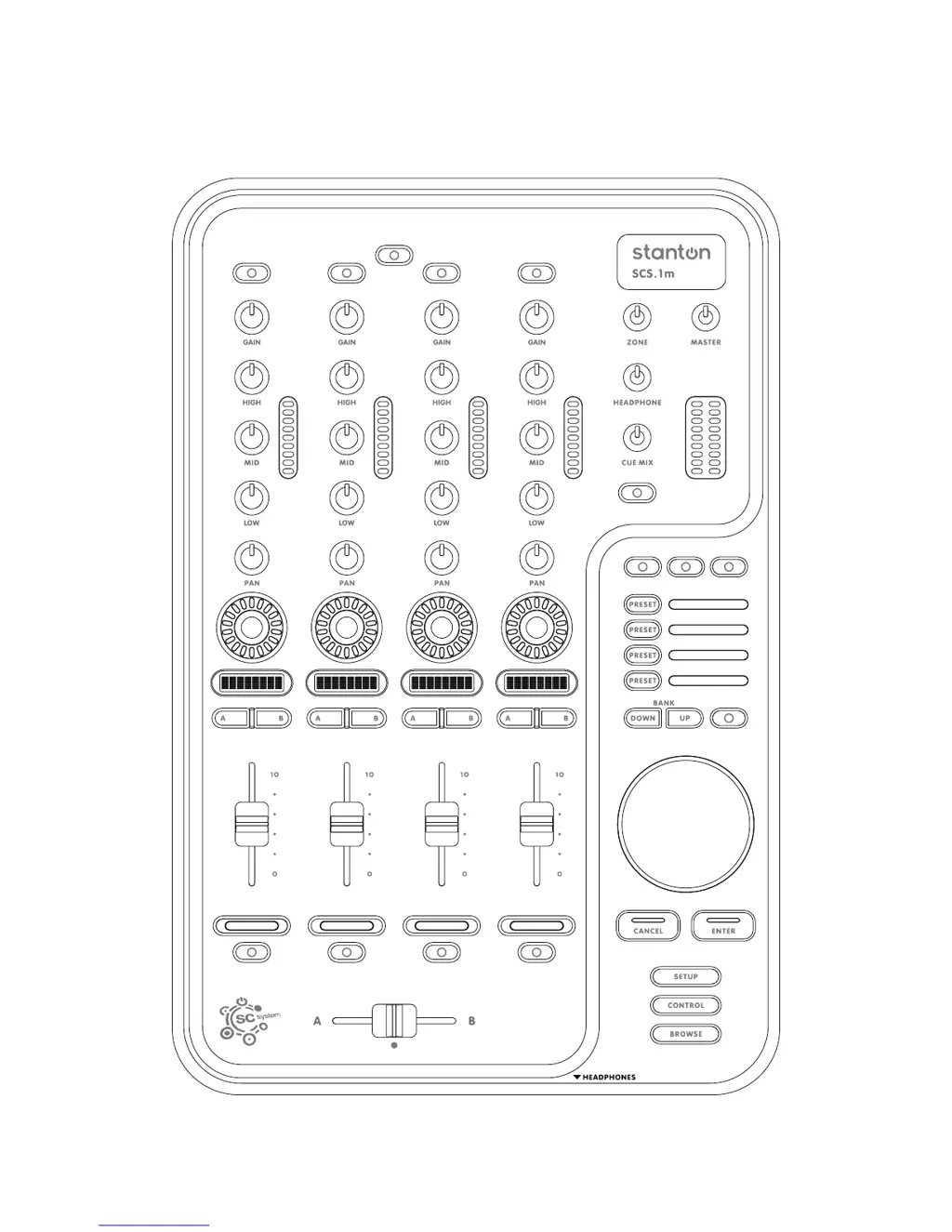
SCS.1 m Description

SCS.1 m Software Installation

Windows XP

Step-by-step instructions for installing the SCS.1m driver and DaRouter software on Windows XP.

Mac OS X

Step-by-step instructions for installing DaRouter software on Mac OS X systems.

DaRouter

Using DaRouter

Guides users on how to utilize DaRouter, including the types of presets and their application.

Troubleshooting

Power Up Issues

Addresses problems where the SCS.1m and SCS.1d do not power up, likely due to swapped power supplies.

Driver Not Found

Explains how to locate and install the necessary drivers for Windows and OS X controllers.

Audio Clicks and Pops

Discusses potential causes for audio glitches, such as ground loops, buffering, and system performance.

Appendix

DPC (Windows XP-Vista)

Details the Deferred Procedure Calls (DPC) Latency Checker tool for diagnosing audio dropouts on Windows.

Stanton SCS.1m Specifications

General IconGeneral
EQ3-band
CrossfaderYes
USB1 x USB B
Power SupplyExternal power adapter
Inputs2 x 1/4" (phono/line)
Outputs1 x Headphone (1/4")

Related product manuals