11
STEP ONE
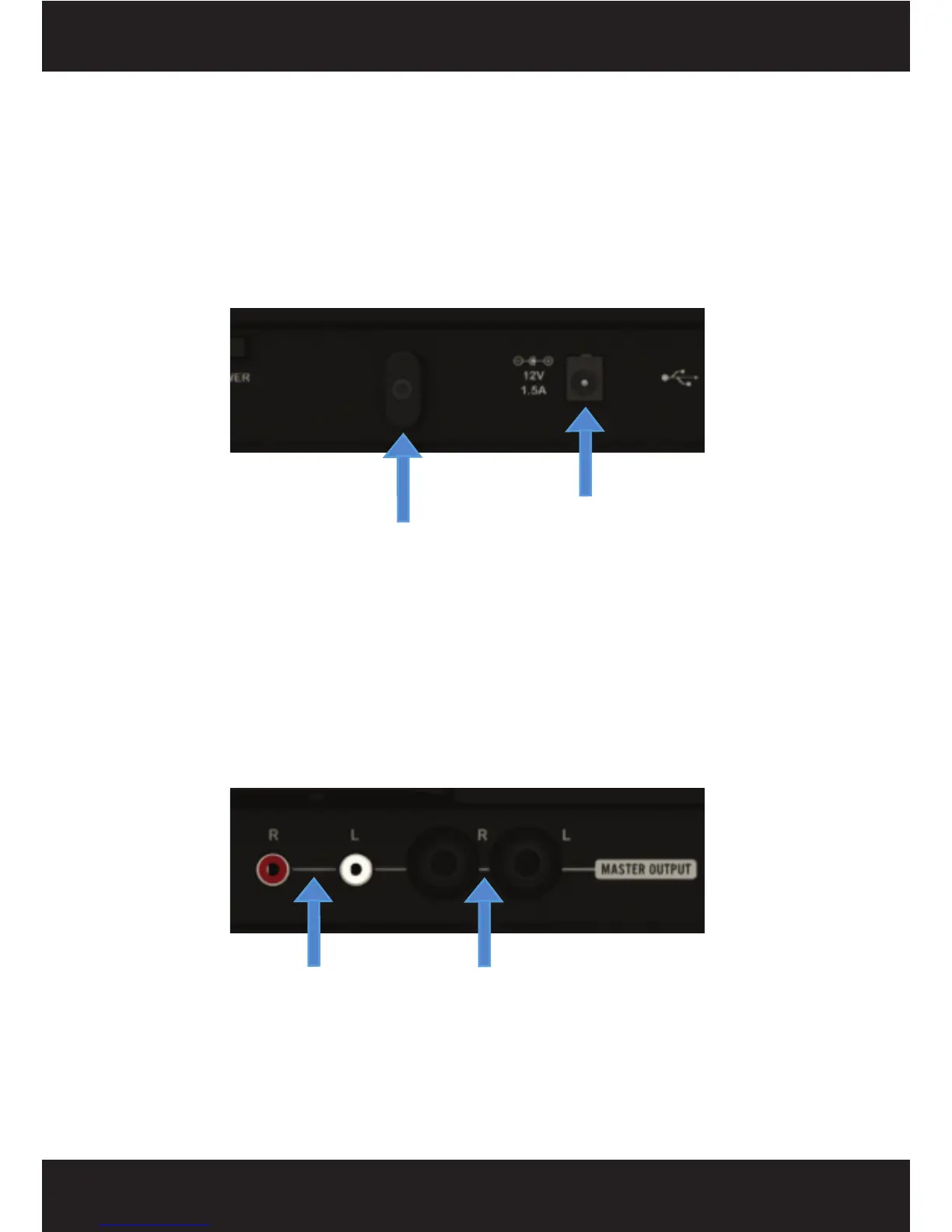
Connect the AC/DC adaptor to the DC POWER JACK found on the rear of the unit. Fasten the
SECURITY CLAMP (found beside the DC power jack) on top of the cable by unscrewing the
fastener and then screwing it back down on the cable, so that it is not possible for the cable to
become dislodged.
STEP TWO
Connect either the 1/4” type (Balanced) audio output and/or the RCA type (Unbalanced) AUDIO
OUTPUTS to a power amplifier, set of powered speakers or mixer (see diagram below). The
SCS.4DJ features balanced and unbalanced connectors to connect to a wide variety of audio
equipment, and both outputs can be used simultaneously.
1. STARTING UP
DC Power Jack
Security Clamp
1/4” Jack TRS Outputs
(BALANCED)
RCA Outputs
(UNBALANCED)



 To Next Page