46
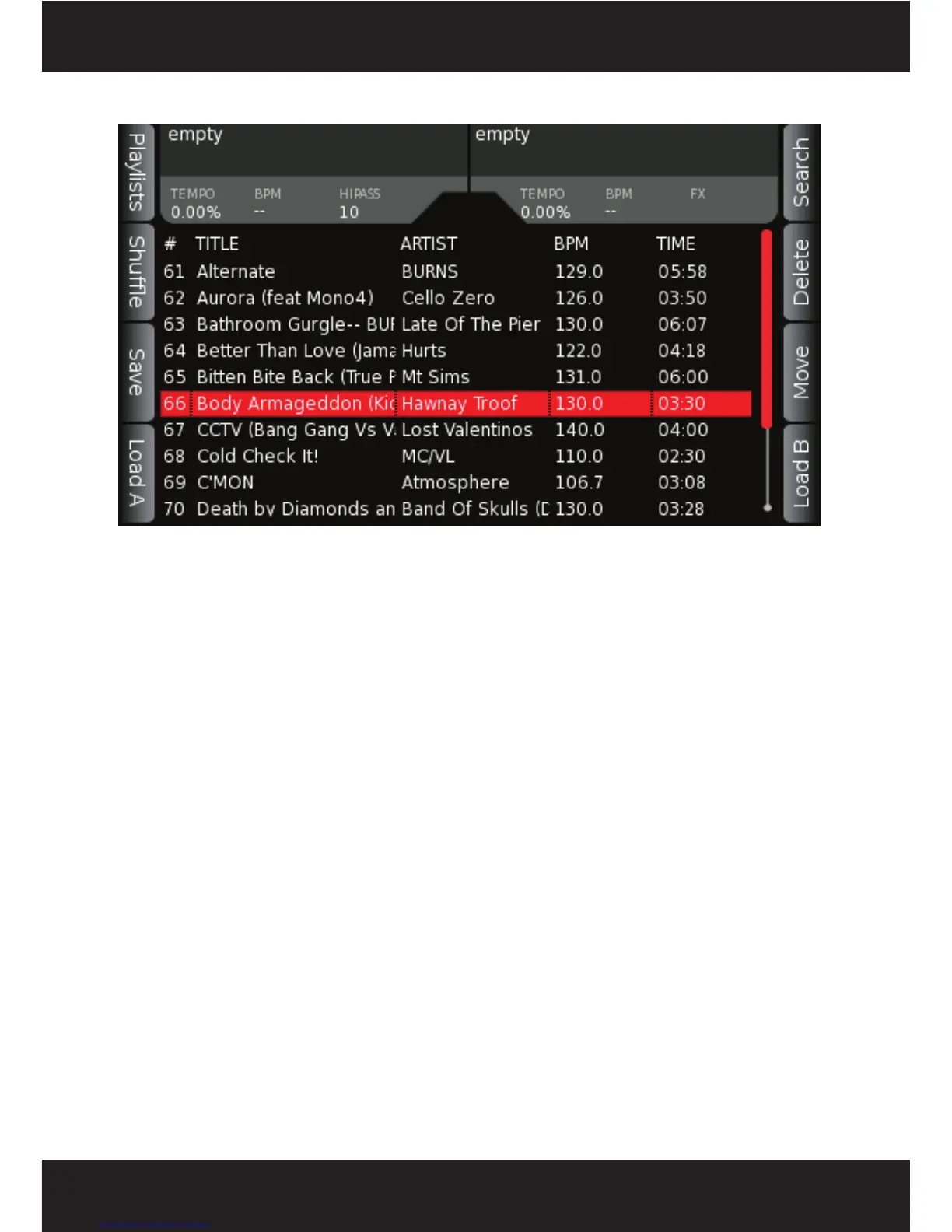
5.10 Active Playlist Display
To enter the ACTIVE PLAYLIST screen, press the PLAYLIST button at any time. The ACTIVE
PLAYLIST contains the list of songs in your currently loaded playlist, songs you have played during
the course of your session, or songs you have loaded into the playlist. If you have not selected and
loaded a playlist, this display contains any songs that have been previously loaded on to DECK A
or B. As you play songs, or use the ToPlayLst button within the browse menu, this list will grow,
allowing you to build playlists on the fly, or save your “set” for later use.
When songs have been played, they will be grayed out, indicating to you that you have already
played the song sometime during your session. Playlists can be edited or saved from within this
menu, using the controls listed on the next page.



 To Next Page