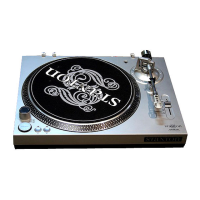
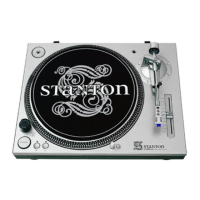
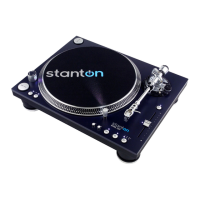
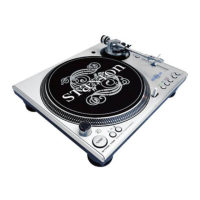
PART NAMES AND FUNCTIONSPASSEMBLY
4
3
2
1
5
69 7
15
10
14
8
16
17
12
11
18
20 21
23
23
13
22 19
0
1
4
5
6
H
E
I
G
H
T
A
D
J
U
S
T
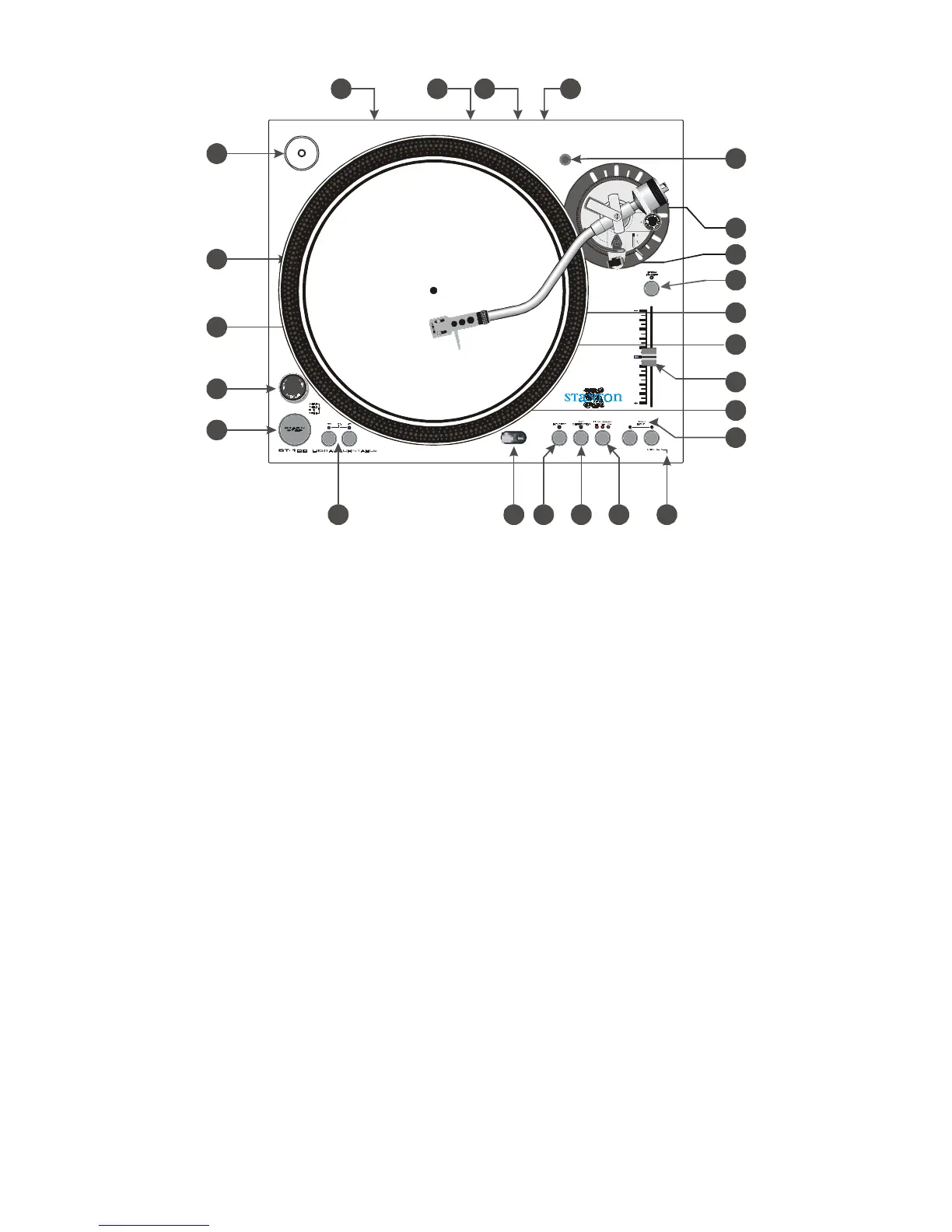
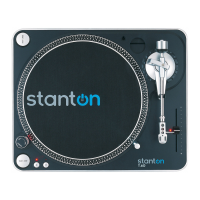
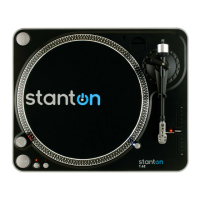
1 Strobe dots
2 Voltage selector
Check that the voltage selector switch is set to an appropriate voltage before use.
3 Motor ON/OFF SWITCH
ON - Rotate right
OFF- Rotate left
4 Start/Stop button (START/STOP)
Press this button to start and stop the platter rotation.
5 Platter revolution speed buttons
33 rpm - Press 33
45 rpm - Press 45
78 rpm - Press 33 and 45
6 Target light
Press the button to the right and a light will pop up directed at the stylus position.
7 Key correction
Press to enable key correction the light will turn on and the key won=t change when adjusting
the pitch slider. Press again to disable key correction the light will turn off.
8 Pitch ON/OFF
ON - Will allow use of the pitch adjust.
OFF - Will hold the revolution speed at exactly the specified speed.
9 Reverse
Press this button to switch the reverse and forward playback.
10 Headshell
The cartridge has been pre-mounted on the headshell.
3


 To Next Page