START/STOP
4
3
2
1
5
6
7 8
9
10
13
14
15
16
17
12
11
18
19 20
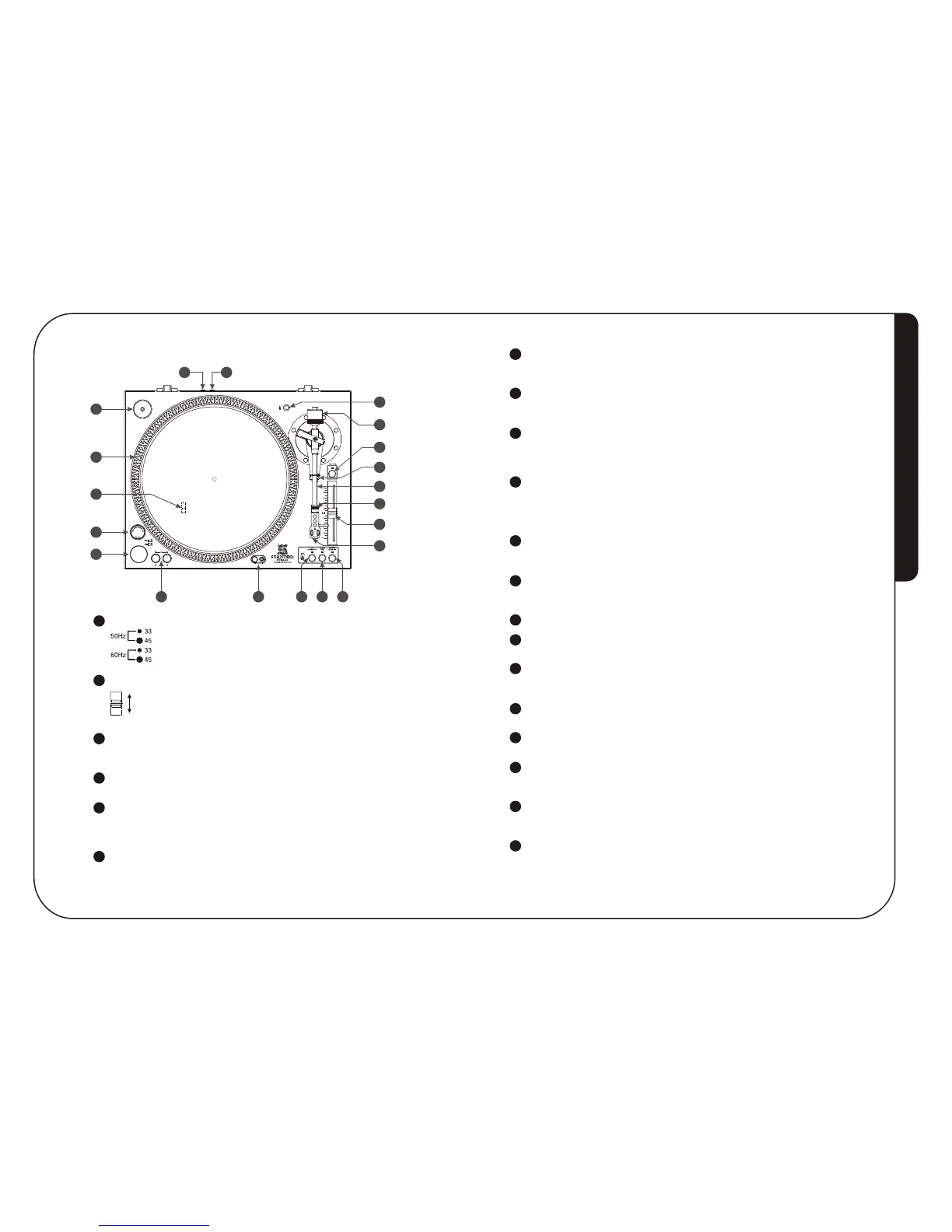
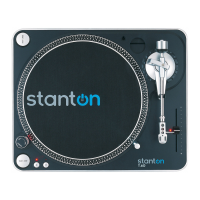
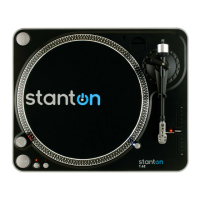
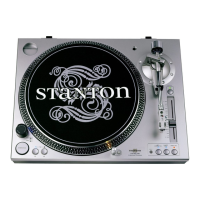
TOP PANEL
Strobe dots
Voltage selector
Check that the voltage selector switch is set to an appropriate voltage before use.
Power dial (POWER)
ON-Rotate right
OFF-Rotate left
Start/Stop button (START/STOP)
Press this button to start and stop the platter rotation.
Platter revolution speed buttons
33 rpm - Press 33
45 rpm - Press 45
78 rpm - Press 33 and 45
Target light
Press the button to the right and a light will pop up directed at the stylus position.
4
3
2
1
5
6
PART NAMES AND FUNCTIONSPASSEMBLY
4 5
115
230
230V
115V
7
8
9
10
Key correction
Press to enable key correction the light will turn on and the key won't change when adjusting
the pitch slider. Press again to disable key correction the light will turn off.
Quartz lock
ON - Will hold the revolution speed at exactly the specified speed.
OFF - Will allow use of the pitch adjust.
Reverse/Motor off
Press this button to switch the reverse and forward playback.
Hold the reverse button more than 0.5sec , the orange light will on and the player
will brake stop; hold the button again to disable the motor off.
Headshell
The cartridge has been pre-mounted on the headshell.
When installing a cartridge, refer to the installation instructions supplied by the
manufacturer of that cartridge.
During installation, attach the stylus protector to guard the stylus tip from damage.
13
14
12
11
Pitch slider
Use this to change the speed of the platter when the PITCH button is lit. You can
adjust the speed in a range of +/-8% or +/-12%.
Headshell locking nut
Attach headshell by inserting into the front end of the tone arm, then turn the locking
nut clockwise with the head shell firmly held horizontally.
Tonearm
Tone arm clamp and rest
Use this rest the tone arm and clamp it in position during transportation.
15
18
16
17
+/-8% / +/-12% switch
Press this button to switch pitch in +/-8% that green light is on and pitch in +/-12% that
red light is on.
Counterweight
Use this to balance the tone arm and to adjust the stylus pressure.
Extra stylus holder
Place extra headshells here.
45rpm adaptor holder
Place on the attached 45 rpm adaptor here.
Push down the rear side of 45 rpm adaptor to take it.
Remote Start / Stop
This jack can be connected with an external switch to perform the Start / Stop
operation.
Output terminal (DIGITAL OUTPUT)
Use this output to connect your STR8-80 to a digital device such as a CD-R or
Computer.
19
20
7


 To Previous Page