14
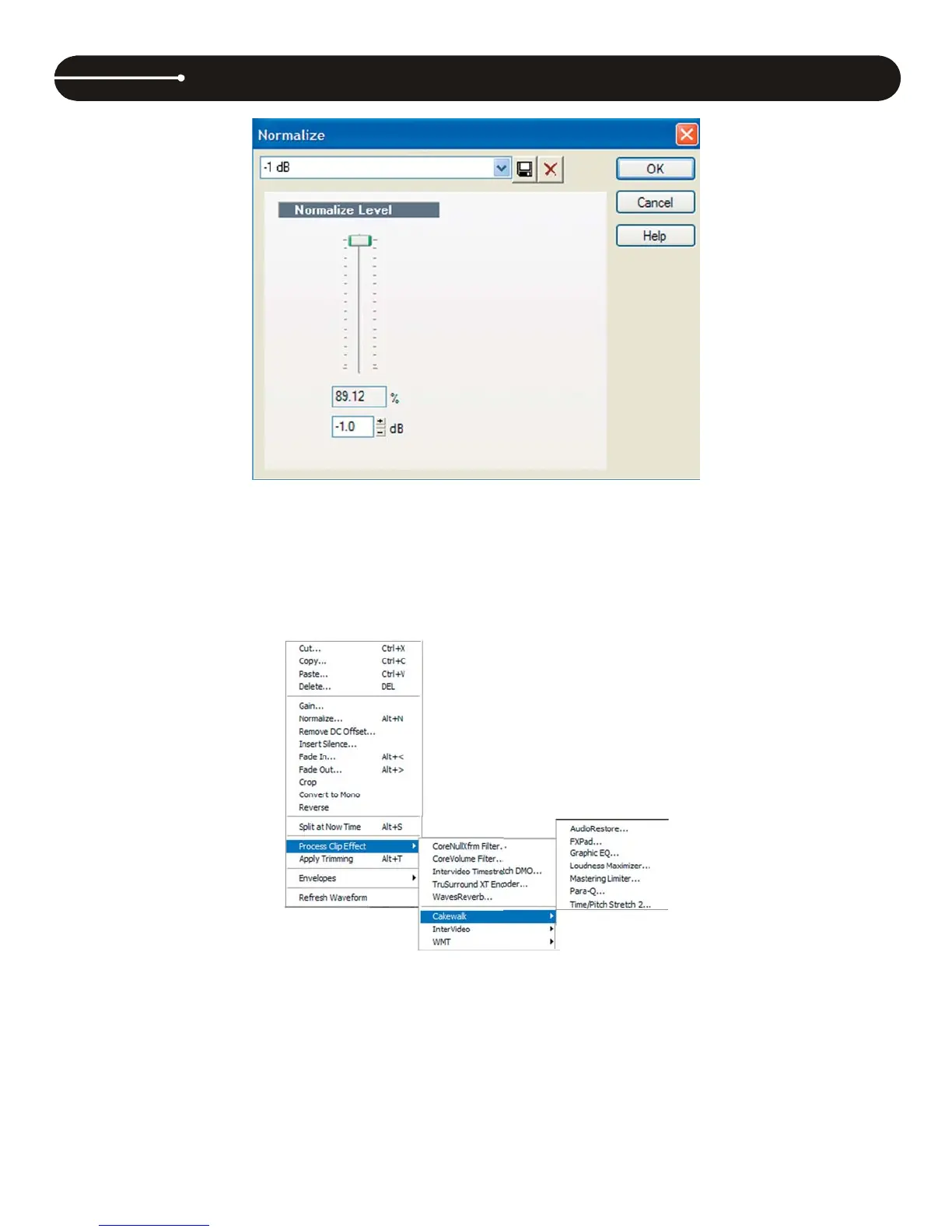
It is usually best not to normalize to 100%. Instead, choose -0.5 dB or -1 dB. Set the normalization level to your desired amount and then press OK.
Using the Audio Restore Plug-in
Audio Creator LE includes an audio plug-in that helps eliminate noise, clicks and pops from a record. The plug-in is called Audio Restore by iZotope.
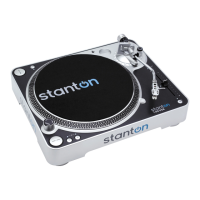
To select the Audio Restore Plug-in from Cakewalk, right-click on the clip you wish to process. Then, select Process Clip Effect, then Cakewalk, and then
Audio Restore. This will look like the picture below.
This will display the Audio Restore window.
CAKEWALK PYRO AUDIO CREATOR LE OVERVIEW (PC users )


 To Next Page