17
If the Setting function shall be ended, user can directly press the POWER
key to exit from the setting working mode and the system will automatically
return to the standby interface.
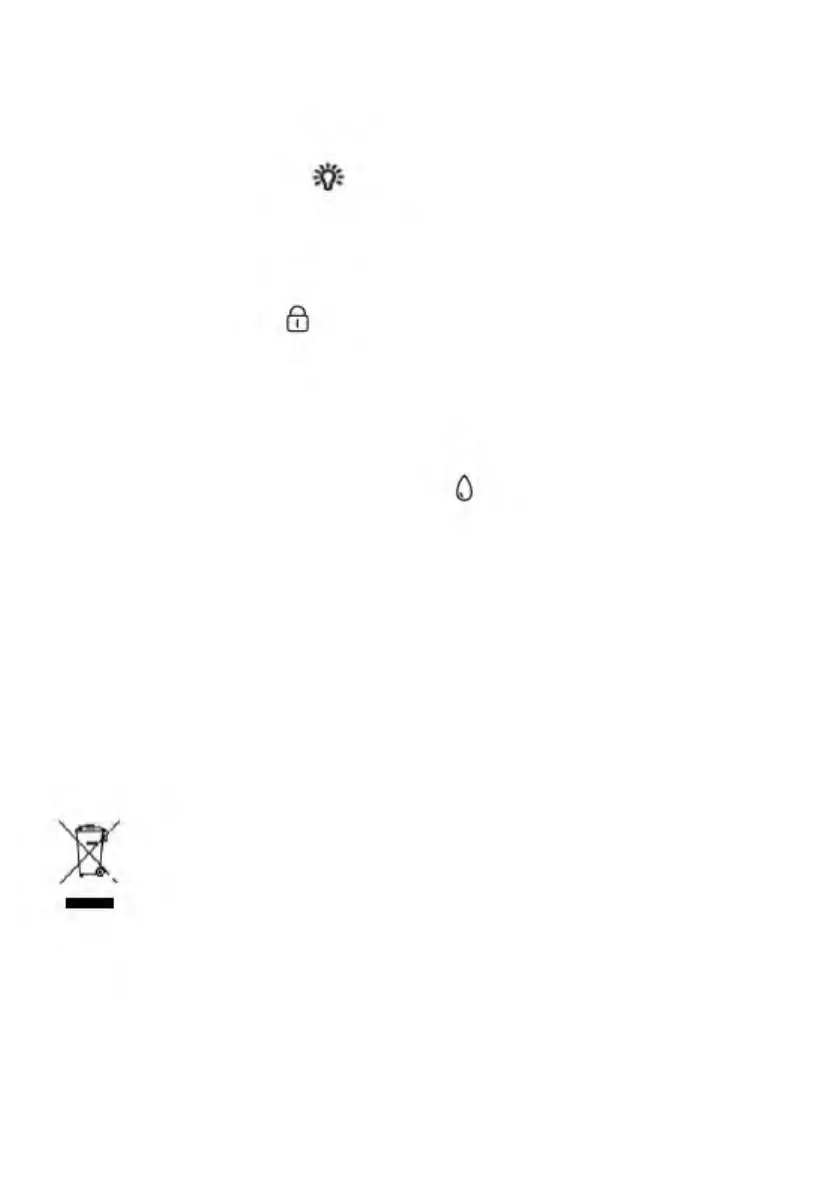
■ Lighting function
After the key is activated, the illuminating light will be ON for 3 minutes by
pressing the key Lighting/Child Lock, and it will go out by pressing the key
again.
■ Children Lock
After entering the working state, children lock icon is ON by holding down
the key Lighting/ Children Lock, and all keys or buttons are locked. They
cannot be unlocked unless user holds down the key Lighting/Children Lock
again.
■ Water level detection protection
When the working state of steam mode is started, if water shortage is
detected, the machine will stop the work and the buzzer will give an alarm,
and then all keys or buttons are invalid. The machine resumes the work
after the water is added.
■ Open/close protection of oven door
In the door-opening state, the startup becomes unavailable; during the
working process, the machine suspends the work if user opens the oven
door. The machine automatically resumes the work after the oven door is
closed.
ENVIRONMENT FRIENDLY DISPOSAL
You can help protect the environment!
Please remember to respect the local regulations: hand in the
non-working electrical equipments to an appropriate waste disposal center.
The packaging material is recyclable. Dispose of the packaging in an
environmentally friendly manner and make it available for the recyclable
material collection-service.
0
-


 To Next Page