FT5X User Guide
4.3.2.2 Connecting to the Internet
It is assumed that an Internet account has already been set up with a service provider.
You will have been given:
• Telephone number for the dial-up connection
• Username and Password
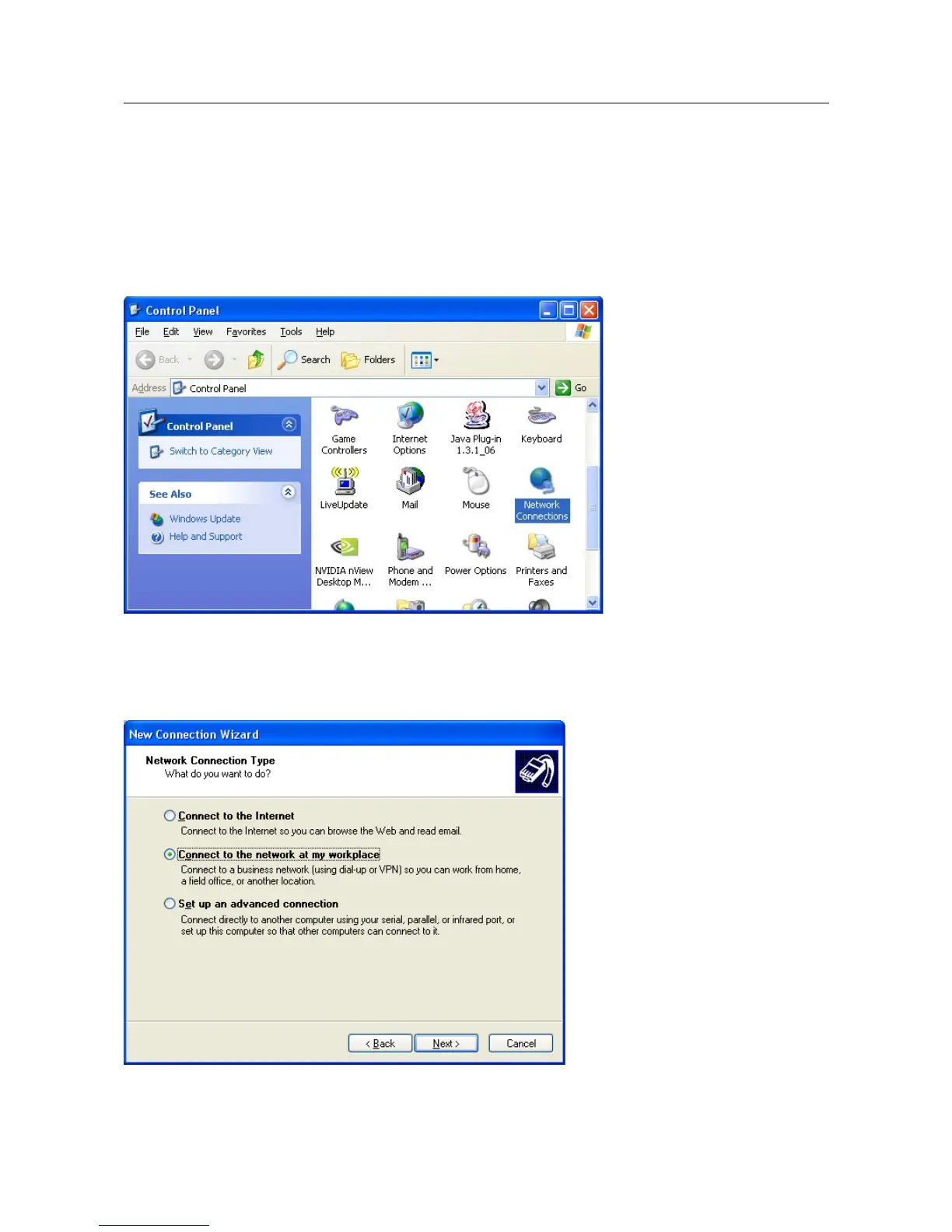
From the Start Menu, click Control Panel
Double click Network Connections
Click Create A New Connection
Click Next
Select Connect to the network at my workplace and click Next
18/31



 To Next Page