FT5X User Guide
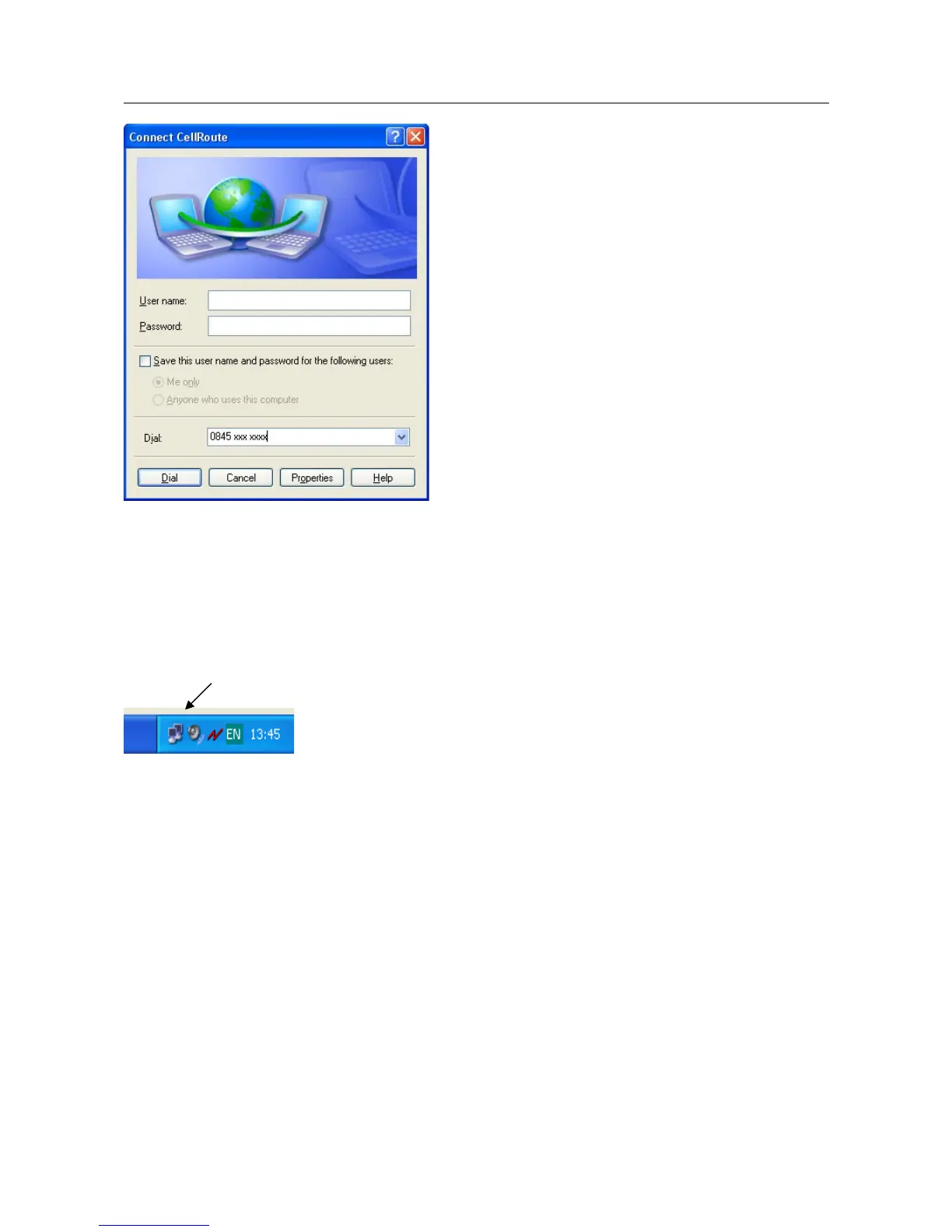
Enter the Username and Password given to you by your Internet provider and click Dial
The computer will then connect to your Internet provider and log you on.
4.3.2.3 Disconnecting from the Internet
When on-line there is a computer icon in the bottom right corner of the screen that flashes
whenever data is being transferred.
To terminate the connection, right click on this icon and click on Disconnect. The FT5X will then
go off line and return to voice mode after a few seconds.
20/31



 To Next Page