FT5X User Guide
4.3.2.4 Setting up GPRS
The following are additional steps that need to be carried out in order to use the
FT5X unit with GPRS.
To connect to the internet via GPRS the FT5X requires a GPRS enabled SIM Card and the
following information must be provided by the Network Operator:
• Access Point Name (APN)
• Username
• Password
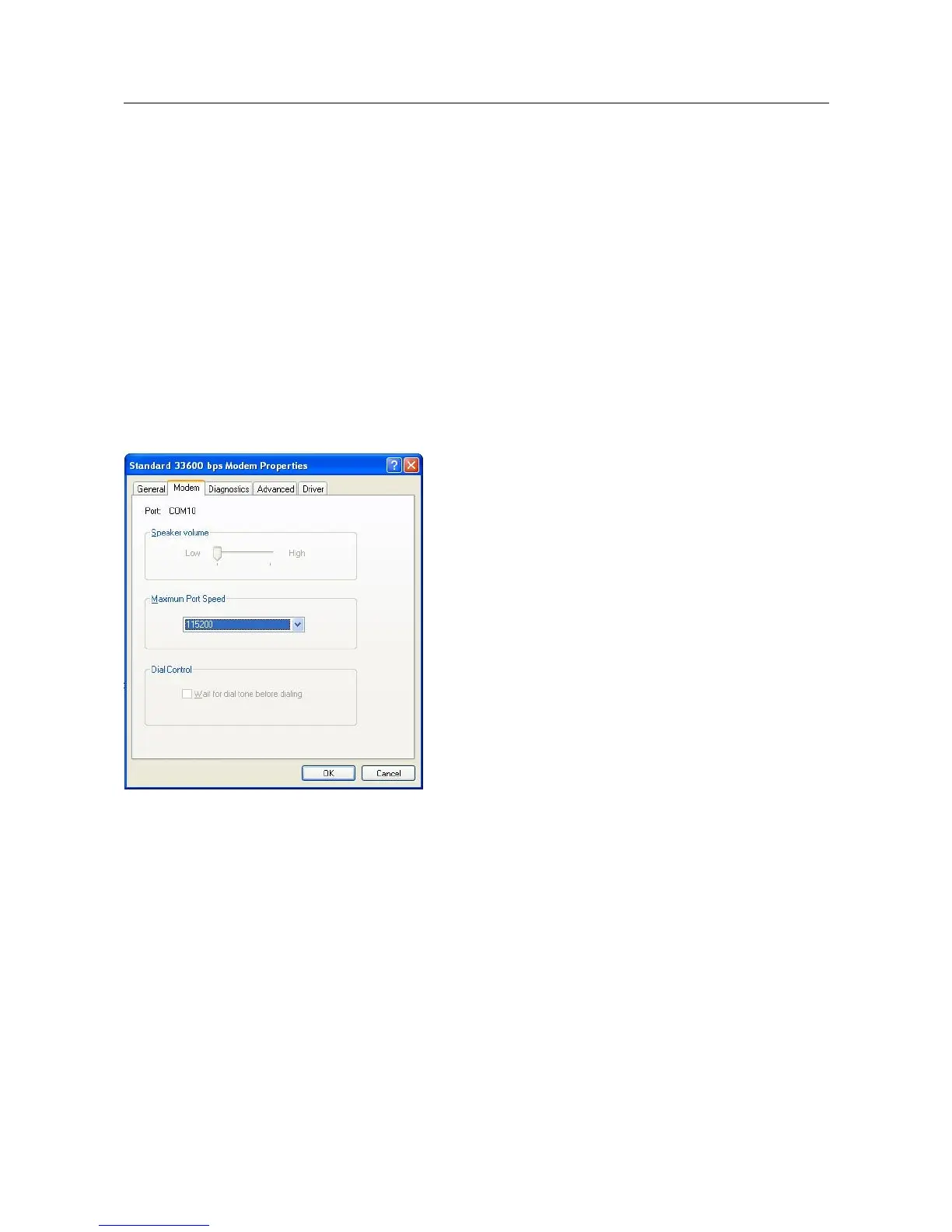
Increase port speed and add Advanced Settings:
Click Start, Settings, Control Panel
Double-click Phone and Modem Options
Click on the Standard 33600 bps Modem and click Properties
Change the Maximum Port Speed setting to 115200
Click on the Advanced tab
21/31



 To Next Page