Pro Stepper Service Manual
Pro Stepper Service Manual 620-7619 Rev B
4
The Maintenance Mode allows you to query and modify the basic settings of the Star Trac Pro
Stepper.
Engaging Maintenance Mode
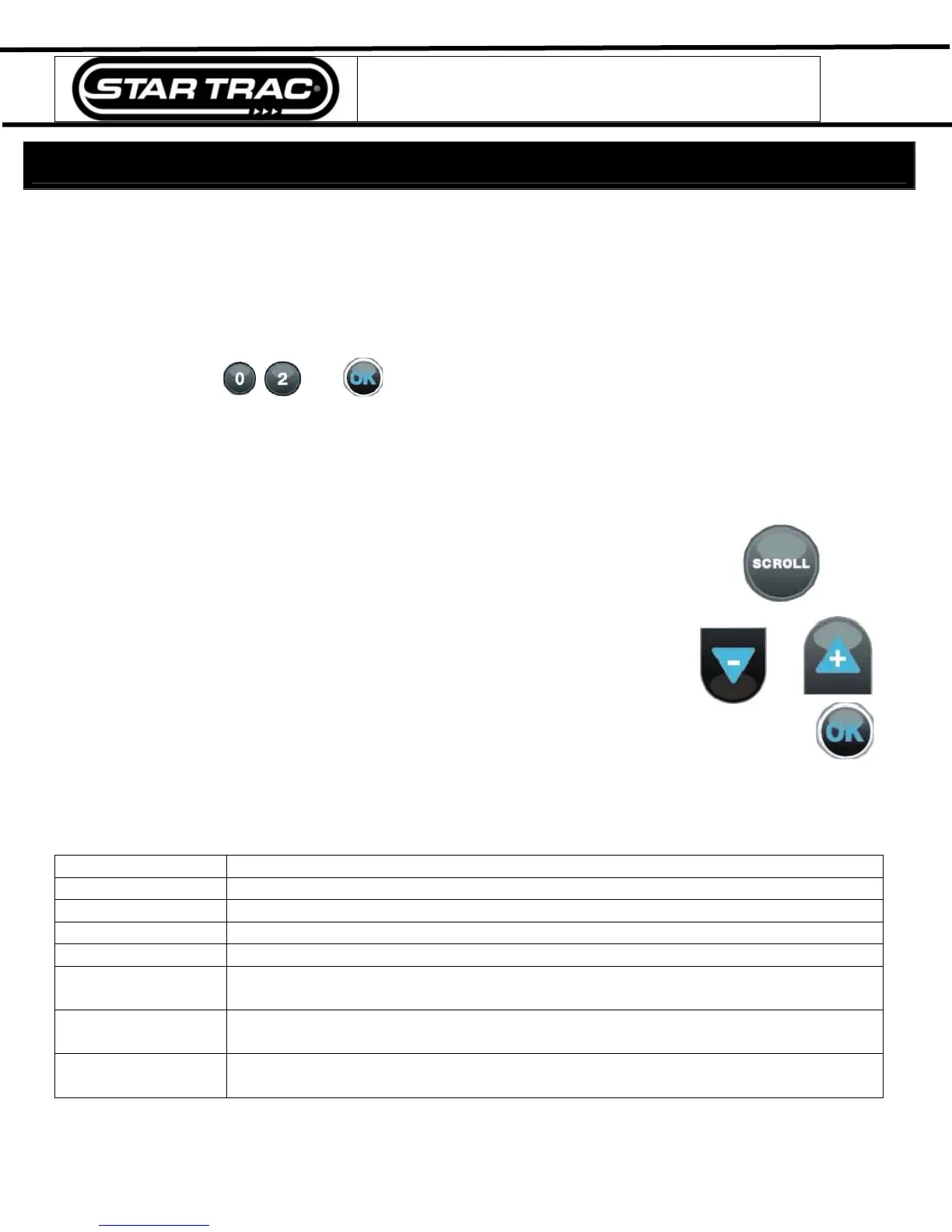
Press and hold the
, and keys together.
A beep will sound and the “MAINTENANCE MODE” will display momentarily in the information
window.
Release all keys. “SERIAL NO XXXXX” will display in the information window.
Modifying the Maintenance Mode
The following keys are used to modify Maintenance Settings:
Upper and Lower Data Information Window SCROLL keys: Display the next and
previous settings.
Increase and Decrease Level Keys: Adjust the value of the displayed
setting up and down respectively, in increments of 1 unit.
OK Key: Updates (saves) the value of the display setting in the Flash memory, and exits
Maintenance Mode.
Maintenance Mode Settings
The items that you may display and change:
Default values set in ()
Serial Number
Pro Stepper serial number (0)
Date
Manufactures date for the Pro Stepper (01/05)
Display Vers 1
Display software version (N/A)
Display Vers 2
Display software version (N/A)
LCB Vers
LCB software version (N/A)
Units
English = units of pounds, miles, feet inches; (English)
Metric = units of kilograms, kilometers, centimeters
Time
Maximum time in minutes allowed for program, excluding warm-up and cool-
down (20)
Weight
Default (to user), typical weight in lb (UNITS=English) or kg (UNITS = Metric)
(350 lbs, 159 KG)
Settings - Maintenance Mode



 To Next Page