Overview | 5 4 | Overview
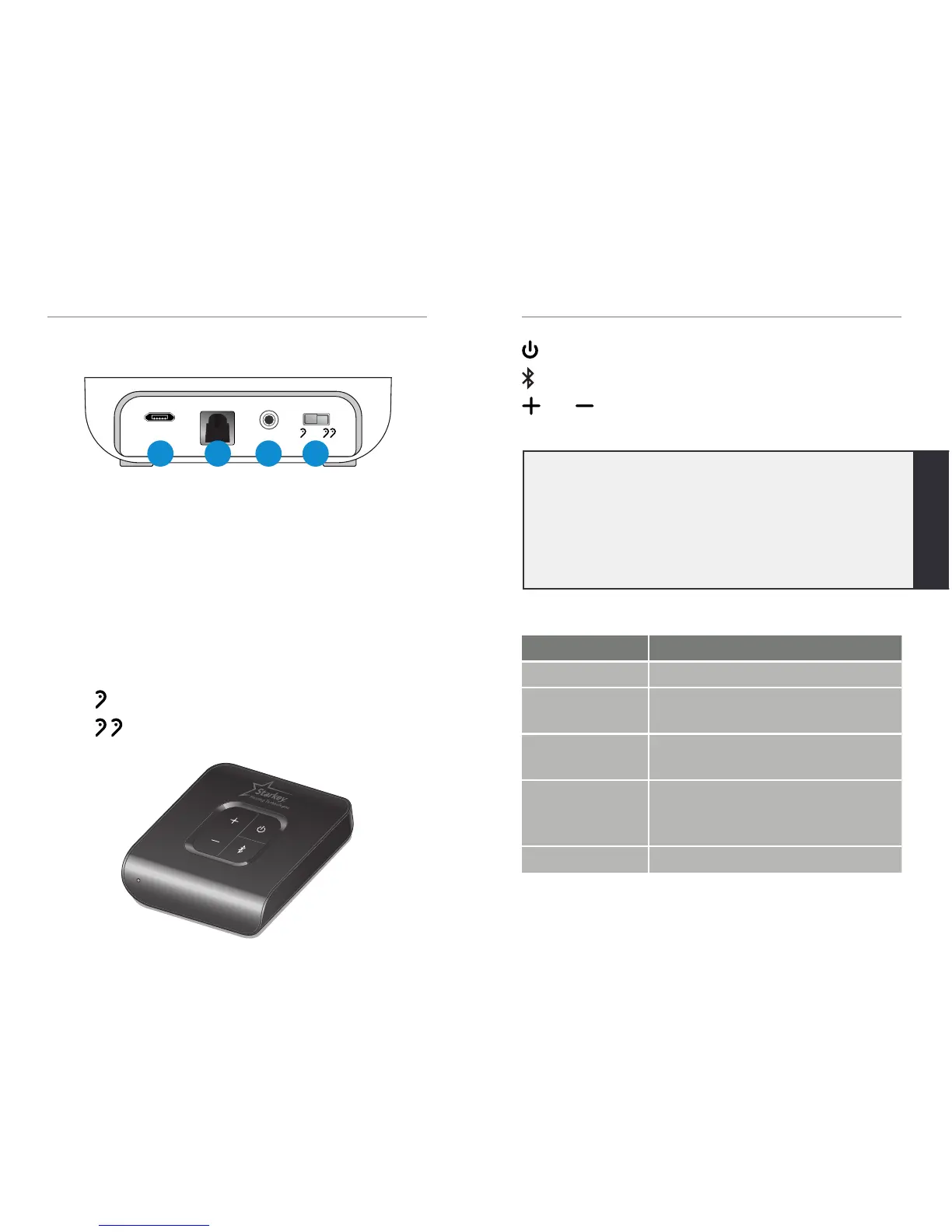
A. Power Supply Jack: A power adapter is provided.
B. Optical TOSLINK Jack: A TOSLINK cable is
provided.
C. Analog Jack
• A 3.5mm-to-RCA cable is provided.
• An external microphone (part #52640-000) can
be obtained from your hearing professional.
D. Mono/Stereo Switch
• (MONO) – select if you wear one hearing aid
• (STEREO) – select if you wear two
hearing aids
Overview
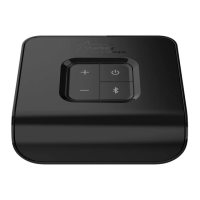
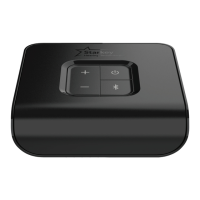
: Powers Starkey Hearing Technologies TV on and off
: Pair with hearing aids
and : To increase the audio stream volume,
press the “+”. To decrease the volume, press the “-“.
LED: Provides helpful information about the TV device.
LED CURRENT STATE
Off • Power is off
Solid Green • Power is on, but not streaming
audio
Solid Blue • Power is on and streaming
audio
Blinking Blue • Hearing aid pairing mode is
active. For more details, refer to
Pairing section on page 11.
Solid Red • Possible fault condition
A
B
C
D
Tip: Stream Volume can also be adjusted via the
Thrive
™
Hearing Control app, Starkey Hearing
Technologies Remote, and/or hearing aid user
controls. Review your hearing aid operations manual
or contact your hearing professional for details on
your particular system setup.


 To Next Page