StarLine S9 v2
30
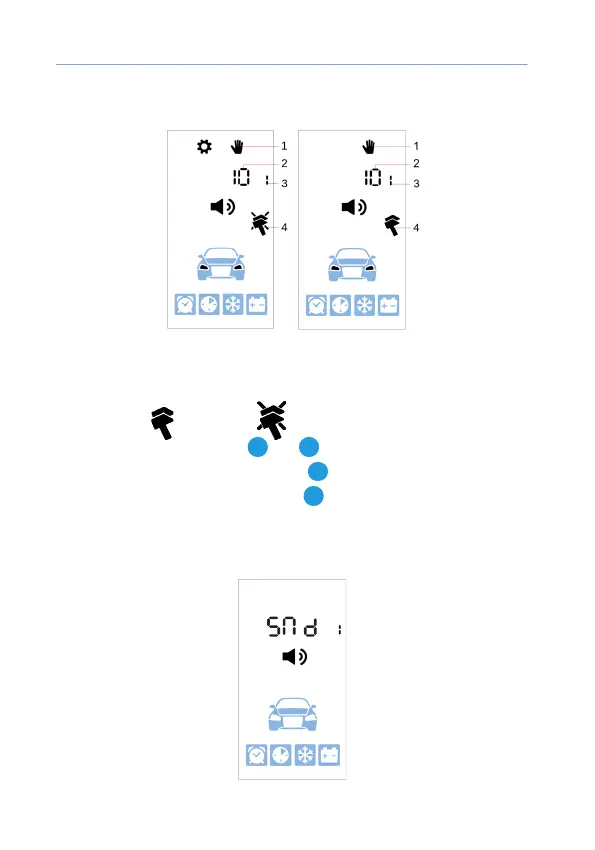
Setting buttons push sound volume
1 — buttons sound volume setting icon
2 — selected volume
3 — selected sound prole
4 — vibration: — enabled, — disabled
Sounds volume is tuned with
2
and
3
buttons short push.
Vibration is enabled and disabled with
4
button short push.
Next sound signal type is ipped with
1
button short push.
Sound prole settings menu is automatically exited in 10 sec if no any
buttons pushed.
After exit the set sound prole is indicated for several sec.



 To Next Page