User manual
61
Smartphone registration
1. Enable Bluetooth in smartphone and activate device searching
2. Select “StarLine S96” in available devices list
3. Enter pairing code 000000 (for iOS click “Pair”)
Remote key registration
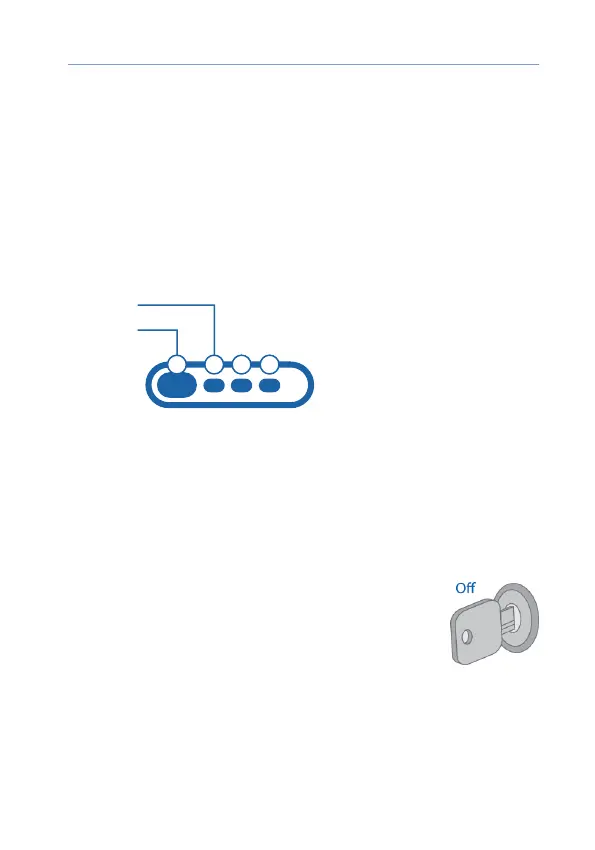
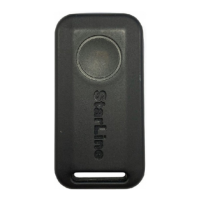
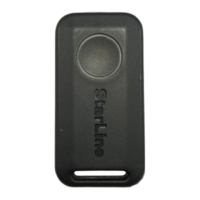
1. Push 1 and 2 remote key buttons shortly
Button 2
Button 1
2. In 3 sec successful registration will be conrmed with remote key short
beep, 2 service button LED ashes and 2 sounds.
If registration failed, then 4 beep sounds will follow.
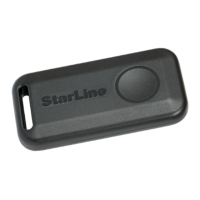
3. Repeat items 1, 2 for remaining remote keys.
Exit from the device registration mode
System will automatically exit from accessories
registration mode in 5 minutes or at ignition switch
O.
Exit from registration mode is conrmed with 2
service button LED ashes, 2 sounds and followed
with a serial sounds in a number of total registered
accessories.



 To Next Page