15
|
Get to know your Remote Microphone +
Use your Remote Mic +
NOTE: An audible indicator may
play in your hearing aids to signal
the start/stop of audio streaming.
STEP 3: Adjust the streaming volume
by pressing the Volume Up (+) or
Volume Down (-) button on the
Remote Mic +.
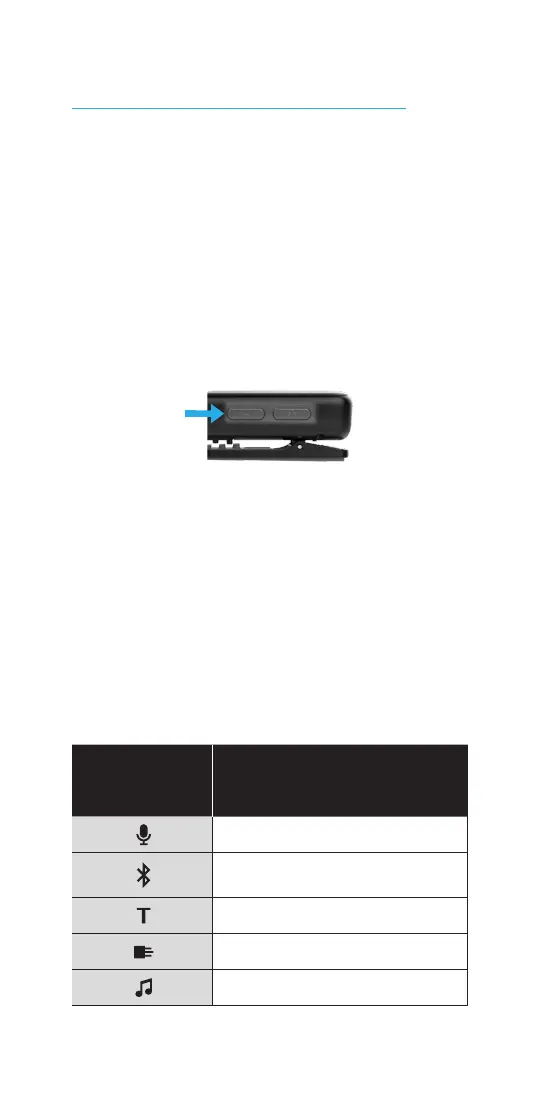
STEP 4: Adjust the audio source.
1. To change the audio, press and
release the Input Mode button.
Press the button repeatedly until
you reach the desired audio source.
For more details on the audio
source options, see How your
Remote Mic + helps on p. 19.
Icon on
Remote Mic +
Audio source being used
Remote Microphone
Bluetooth
phone and audio
Loop system
FM system
Line-In



 To Next Page