16
|
Get to know your Remote Microphone +
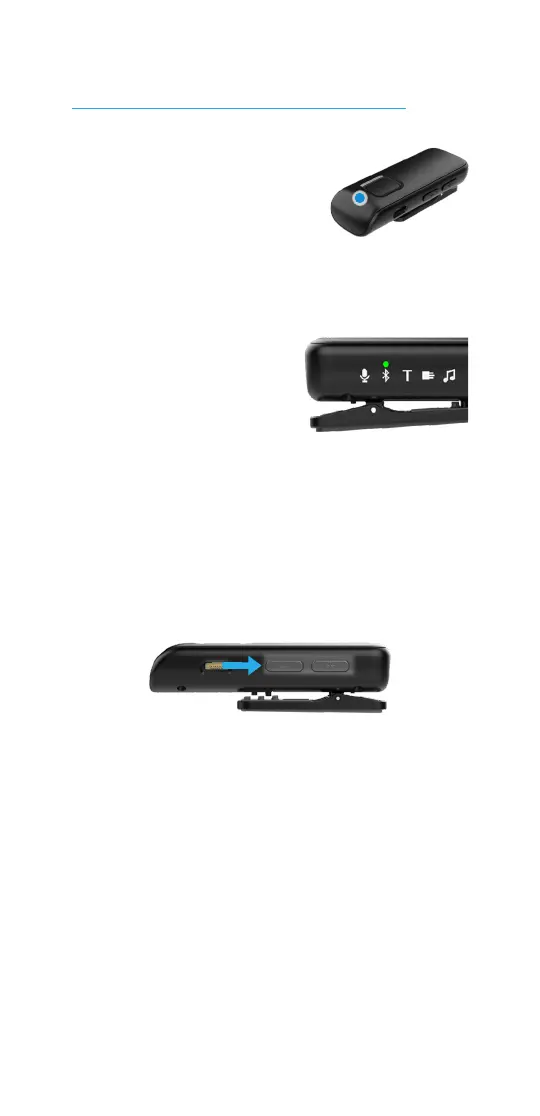
2. To access audio from
a Bluetooth device,
it must be connected
to the Remote Mic +
(denoted by the slow,
blinking blue status indicator light).
• Prior to streaming
Bluetooth audio
for the first time,
your Bluetooth
device must be paired to your
Remote Mic +. See To pair with
a Bluetooth device on p. 13.
STEP 5: To adjust the stream volume,
press the + or – button.
Use your Remote Mic +
NOTE: Typical wireless operating range is up to 60 feet (20 M).
This may be shortened by environmental factors (e.g., obstructions,
interference, position of people). Wider operating ranges may be
possible, however, your audio or connection quality may decrease.



 To Next Page