

 To Next Page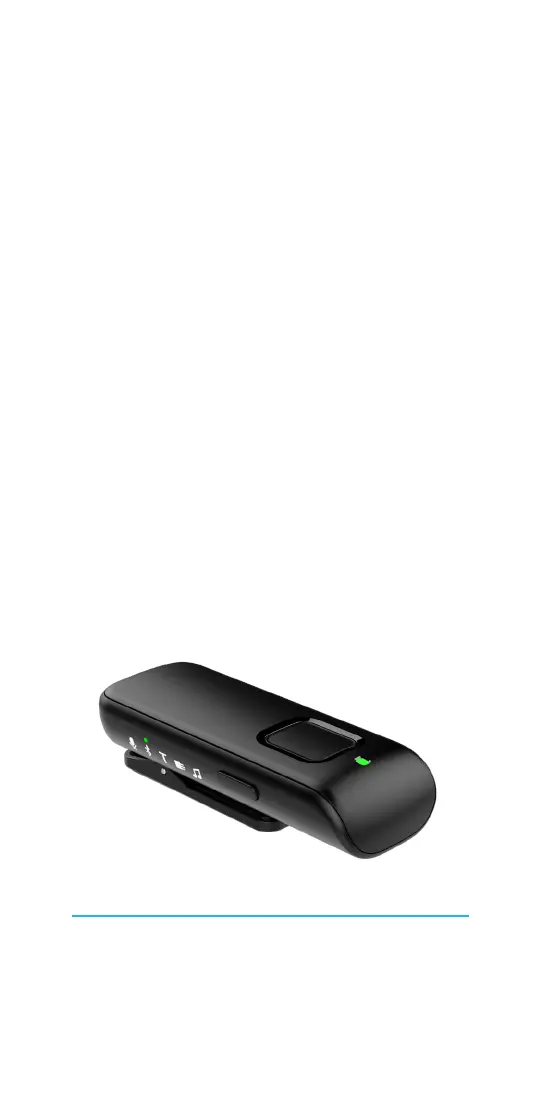
W
William OwenSep 9, 2025
What to do if STARLINK Microphone hearing aids are not ready to receive audio streams?
- MmeyeradamSep 10, 2025
If your STARLINK Microphone hearing aids are not ready to receive audio streams, restart the audio streaming.

What to do if STARLINK Microphone hearing aids are not ready to receive audio streams?
If your STARLINK Microphone hearing aids are not ready to receive audio streams, restart the audio streaming.
What to do if something is absent from the current audio source when using STARLINK Remote + Microphone?
To resolve what is absent from the current audio source when using your STARLINK Microphone, attach a line-in cable, attach an FM receiver, or re-establish your Bluetooth connection.
What to do if something is missing from desired input on STARLINK Microphone?
To fix what is missing from the desired input on your STARLINK Microphone, attach a line-in cable, attach an FM receiver, or re-establish your Bluetooth connection.
Why can't STARLINK Remote + Microphone pair with more than one Bluetooth device?
Your STARLINK Microphone cannot pair with more than one Bluetooth device because the Remote Mic + is already in an active Bluetooth connection.
Overview of the Remote Mic+ components and their functions.
Instructions for powering on/off and pairing with hearing aids.
How to stream audio from various sources and adjust settings.
Steps for charging the device using a microUSB cable.
Details on the product's purpose, capabilities, and limitations.
Regulatory compliance details, including FCC and ISED Canada notices.
Information on disposal, symbols, and standards.
 General
| Brand | STARLINK |
|---|---|
| Model | Remote Microphone + |
| Category | Microphone |
| Language | English |