S8010
114
ENGLISH
BATERY PACK REMOVAL:
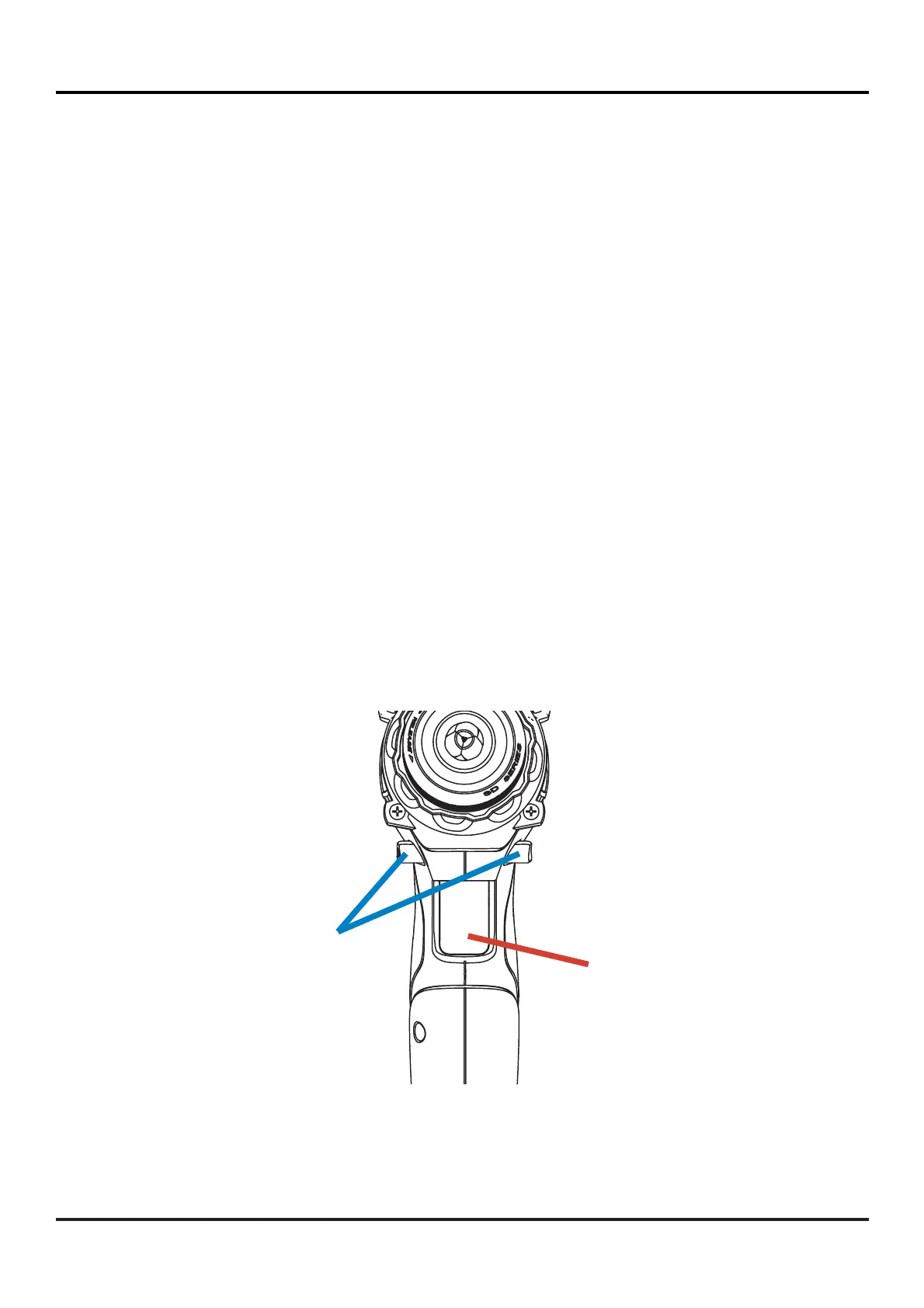
TRIGGER SWITCH:
FIG 03
1. LOCK the Trigger Switch of the Drill / Driver, putting the Direction of
Rotation Selector button (NORMAL / LOCK / REVERSE) the center position
(LOCK);
2.
PRESS the Battery Release button located on the front of it to release it
(fi gure 02);
3. PULL the Battery Pack forward of the power tool to remove it.
To start the running of Drill/Driver, PRESS the Trigger Switch. To turn off,
RELEASE the Trigger Switch (fi gure 03).
DIRECTION OF
ROTATION
SELECTOR
BUTTON
(NORMAL/LOCK/REVERSE)
TRIGGER SWITCH
(variable speed)



 To Next Page