EasyManua.ls Logo

StarTech.com ST122VGA - User Manual

StarTech.com ST122VGA
10 pages
Print Icon
To Next Page IconTo Next Page
Loading...
Manual Revision: 07/26/2013
For the most up-to-date information, please visit: www.startech.com
DE: Bedienungsanleitung - de.startech.com
FR: Guide de l'utilisateur - fr.startech.com
ES: Guía del usuario - es.startech.com
IT: Guida per l'uso - it.startech.com
NL: Gebruiksaanwijzing - nl.startech.com
PT: Guia do usuário - pt.startech.com
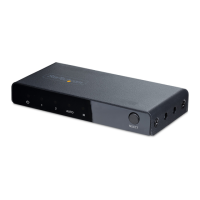
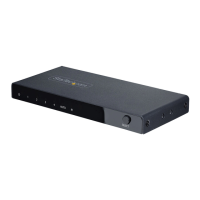
ST122VGA
2-Port VGA Auto Switch w/ EDID Emulation
*actual product may vary from photos

Other manuals for StarTech.com ST122VGA

Question and Answer IconNeed help?

Do you have a question about the StarTech.com ST122VGA and is the answer not in the manual?

StarTech.com ST122VGA Specifications

General IconGeneral
BrandStarTech.com
ModelST122VGA
CategorySwitch
LanguageEnglish

Summary

FCC Compliance Statement

Use of Trademarks, Registered Trademarks, and Other Protected Names and Symbols

Product Diagram

Front View

Details of the device's front panel connections and LED indicators, including input ports.

Rear View

Details of the device's rear panel connections, including power, output, and EDID switches.

Introduction

Packaging Contents

Lists the items included in the product package, such as the VGA switch and power adapter.

System Requirements

Specifies the necessary hardware, including VGA source and display devices, and cables.

Installation

Hardware Installation

Step-by-step guide for connecting the VGA switch to display and source devices.

Hardware Operation

Instructions for operating the device, including automatic and manual port selection.

Specifications

Technical Support

Warranty Information

Related product manuals