12
To view manuals, videos, drivers, downloads, technical drawings, and more visit www.StarTech.com/support
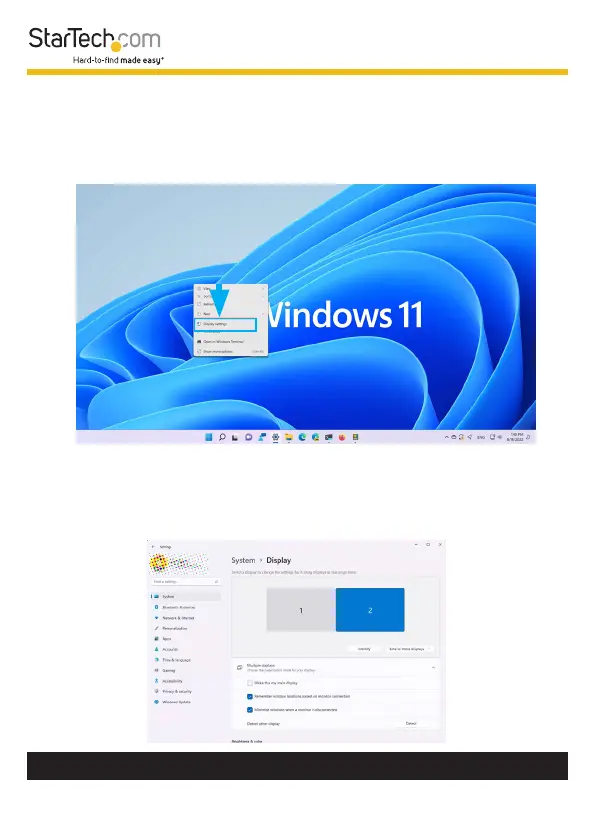
To identify which number is assigned to each connected
Display Device within Windows:
1. Right-Click anywhere on the Windows Desktop and select
Display Settings.
2. This will open the Windows Settings app to the Display
tab. Below Select a display to change the settings for it,
you will see a diagram representing the current monitor
arrangement and the Display Number assigned to each
monitor.












 To Next Page