15
To view manuals, videos, drivers, downloads, technical drawings, and more visit www.StarTech.com/support
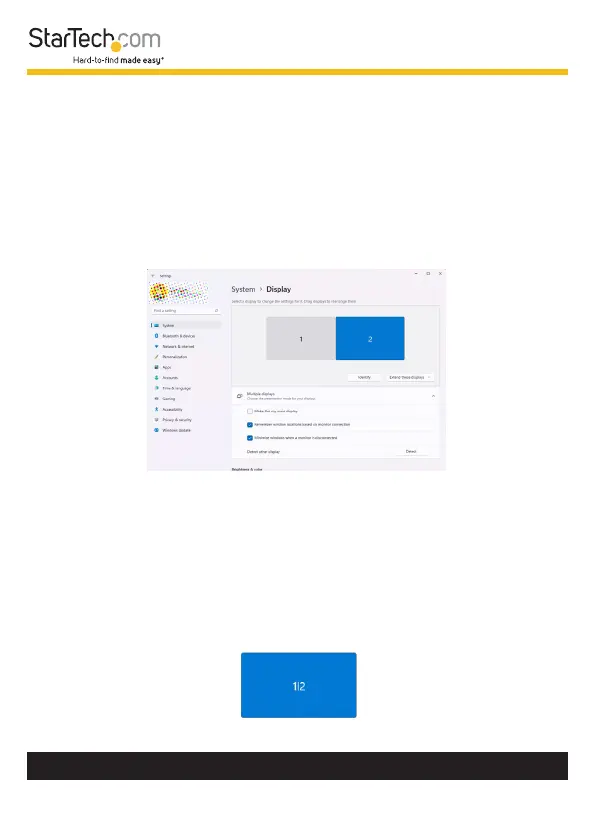
2. This will open the Windows Settings app to the Display
tab. Below Select a display to change the settings for it,
you will see a diagram representing the current monitor
arrangement and the Display Number assigned to each
monitor.
3. Click the Display Number that corresponds to the monitor
that will be congured for Extended Windows Desktop. The
selected monitor will become highlighted.
Note: It’s possible that two numbers may appear within
the same monitor block. This indicates that the monitors
are currently congured for a mirror conguration. If the
desired Display Number appears within the same monitor
block as another number, simply select that monitor block
which contains the desired Display Number.












 To Next Page