14
To view manuals, videos, drivers, downloads, technical drawings, and more visit www.StarTech.com/support
Conguring Display Devices for an Extended Windows
Desktop
Extending the Windows Desktop provides users with the ability
to expand their workspace across multiple monitors. The mouse
cursor can edge-scroll between each monitor and use them as
an extension of the primary monitor.
With extended desktops, users have more screen real estate
to work with and can have dierent applications, documents,
or windows open on each monitor. This makes it easier to
multi-task, compare information, or work on multiple projects
simultaneously.
To congure a Display Device as an extended Windows
Desktop:
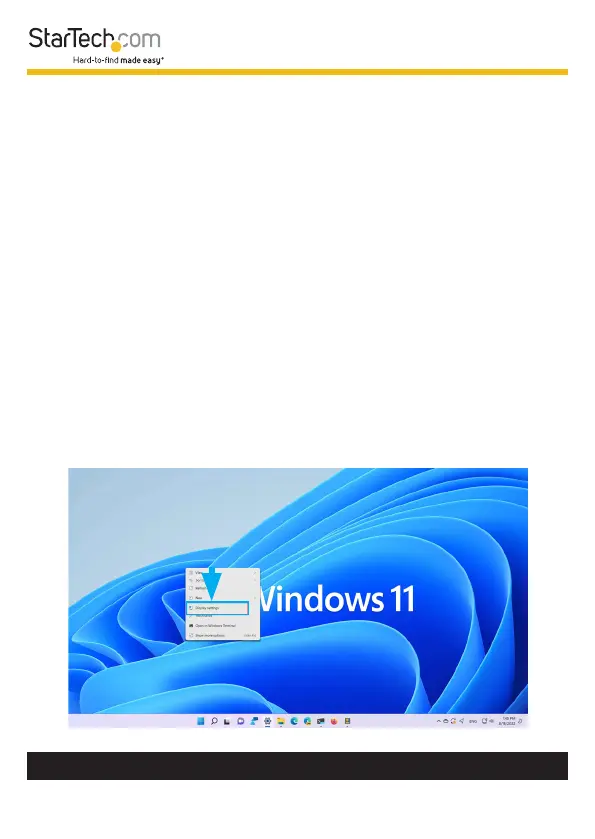
1. Right-Click anywhere on the Windows Desktop and select
Display Settings.












 To Next Page