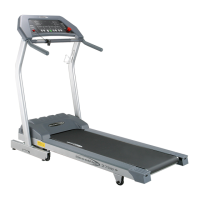
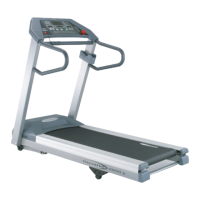
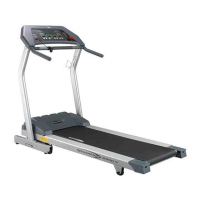
FEEDBACK WINDOW
The Feedback window displays the time, calories, heart rate and distance
during a workout. The information continually cycles, alternating between
time, calories, heart rate and distance. A red LED next to the Feedback
window lights signaling which information is presently being displayed.
SPEED WINDOW
The Speed window displays the current belt-speed setting. Except for
the slow change in belt-speed when increasing or decreasing the setting,
this is the actual speed at which the running belt is traveling in miles
per hour.
SPEED AND INCLINE ARROW BUTTONS
The Speed + and Speed - Arrow buttons are located below the Speed
window and are used to increase or decrease the belt-speed during
a workout.
The Incline + and Incline - Arrow buttons are located below the Incline
window and are used to increase or decrease the grade or tilt of the
running belt during a workout.
Use either the Incline or Speed arrow buttons to increase or decrease
values you are prompted to enter such as your weight, age, maximum
heart rate and goals for your workouts - Time, Calories, Distance and
Percentage of Maximum Heart Rate. After the value has been adjusted,
press the Enter button.
1


 To Next Page