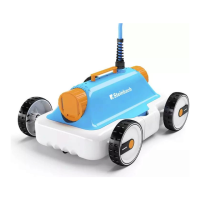
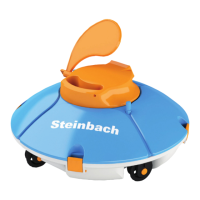
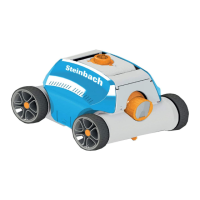
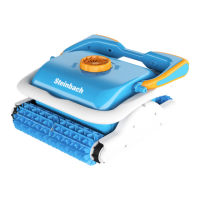
The TIME button
alternates between the running times. Before the start of operation, the lit LED
indicates the currently selected mode.
- 1H stops the cleaning process after one hour.
- 2H stops the cleaning process after two hours.
-
3H stops the cleaning process after three hours.
Autostart function
Use this function to set the automatic start of operation.
The function can only be set via the app. The lit LED
indicates activated autostart function. The LED
indicator blinks to indicate a cleaning program that was started by the autostart function.
ON/OFF function
Use this function to switch the control unit on or off and to start operation.
Use the ON/OFF button
to switch between the following functions:
-
ON (switches the control unit on).
- START (starts the cleaning program set with the Mode and Time functions);
-
and OFF (stops all active cleaning programs and switches the control unit off).
Functions of the app control via Bluetooth (optional)
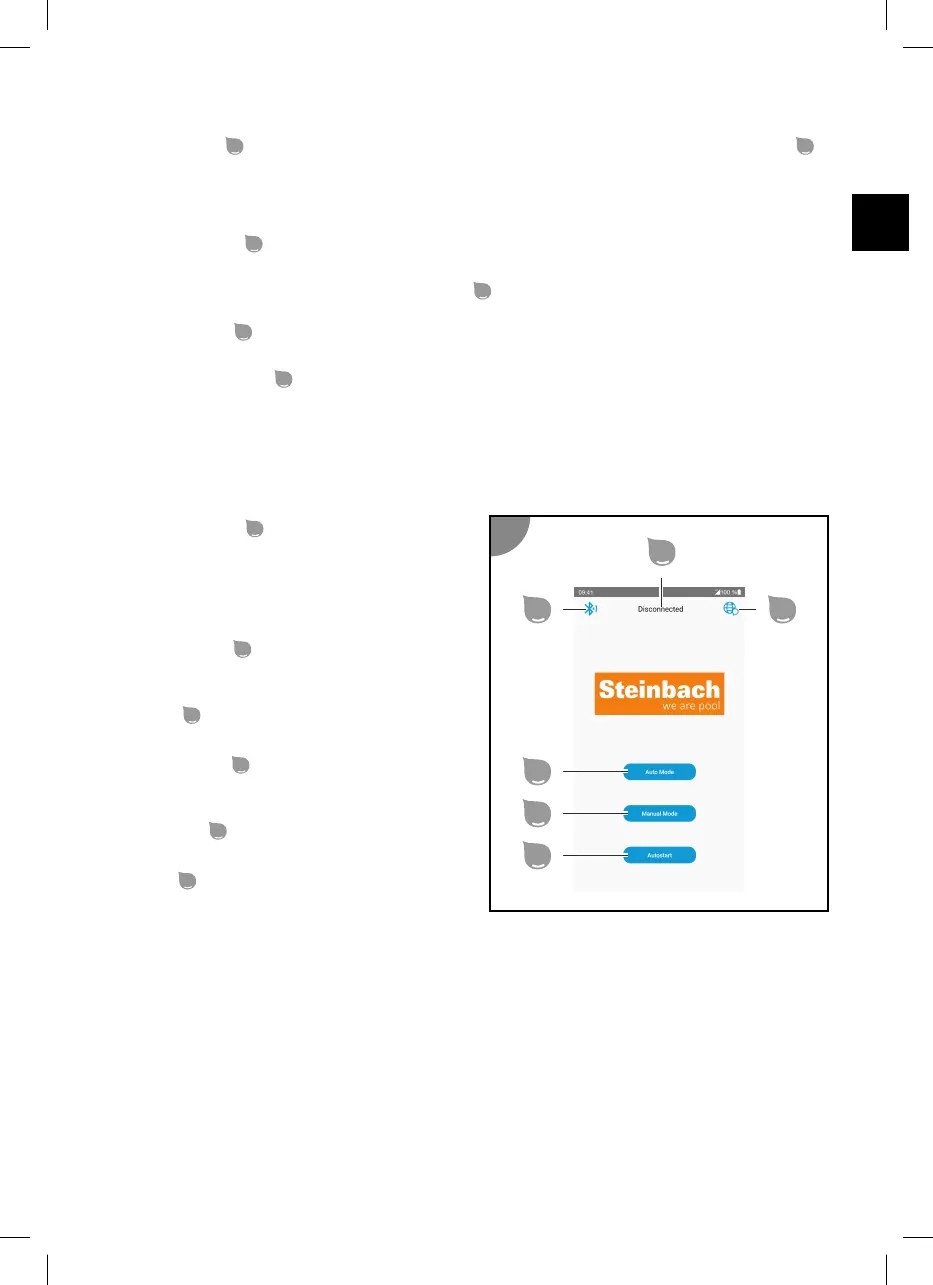
Start menu
Connection status
Indicates the connection status.
-
connected indicates that the app is
connected to the control unit.
- not connected indicates that the app is not
connected to the control unit.
Device detection
Connecting an available and compatible Bluetooth
device.
Language
Selection of the display language.
Automatic mode
Set the type of cleaning and start the cleaning
program.
Manual mode
Manual device control.
Autostart
Configuration of the autostart function.
Automatic mode
Automatic mode lets you select the type of cleaning and start the cleaning program.
31


 To Next Page
 Loading...