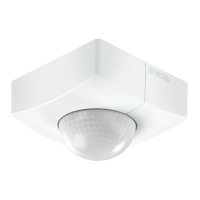
– 18 – – 19 –
Troubleshooting
Malfunction Cause Remedy
IS 2180-2
without power
!
Fuse faulty; not switched
ON
!
Short circuit
!
Mains switch OFF
!
Renew fuse, switch on
mains power switch,
check wiring with voltage
tester
!
Check connections
!
Switch on
IS 2180-2 will not switch
ON
!
Twilight control set to
nighttime mode during
daytime operation
!
Bulb faulty
!
Mains power switch OFF
!
Fuse faulty
!
Detection zone not
properly targeted
!
Adjust setting
!
Change light bulb
!
Switch on
!
Renew fuse, check
connection if necessary
!
Re-adjust
IS 2180-2 will not switch
OFF
!
Continuous movement in
the detection zone
!
Light is in detection zone
and keeps switching on
as a result of tempera-
ture change
!
Set to continuous
operation by indoor
series switch
!
Check detection zone
and re-adjust if
necessary or fi t shrouds
!
Re-adjust zone or apply
shroud
!
Set series switch to
automatic mode
IS 2180-2 keeps switching
ON/OFF
!
Light is in detection zone
!
Animals moving in
detection zone
!
Heat source (e.g.
extractor hood outlet) in
detection zone
!
Adjust detection zone
or fi t shrouds, increase
distance
!
Adjust detection zone or
fi t shrouds
!
Adjust detection zone or
fi t shrouds
IS 2180-2 switches on
when it should not
!
Wind is moving trees and
bushes in the detection
zone
!
Cars in the street are
being detected
!
Sudden temperature
changes due to weather
(wind, rain, snow) or air
expelled from fans or
open windows
!
Blank off sections using
shrouds
!
Blank off sections using
shrouds
!
Adjust detection zone or
change site of installation
Operation/Maintenance
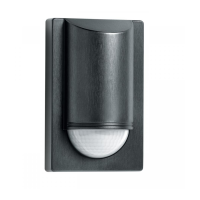
The Infrared Sensor is
suitable for switching light
on and off automatically.
The unit is not suitable for
special burglary alarm
systems since it lacks
the tampering protection
prescribed for this purpose.
Weather conditions may
affect the way the motion
detector works. Strong
gusts of wind, snow, rain
or hail may cause the light
to come on when it is not
wanted because the sensor
is unable to distinguish
sudden changes of tem-
perature from sources of
heat. The detector lens may
be cleaned with a damp
cloth if it gets dirty (do not
use cleaning agents).
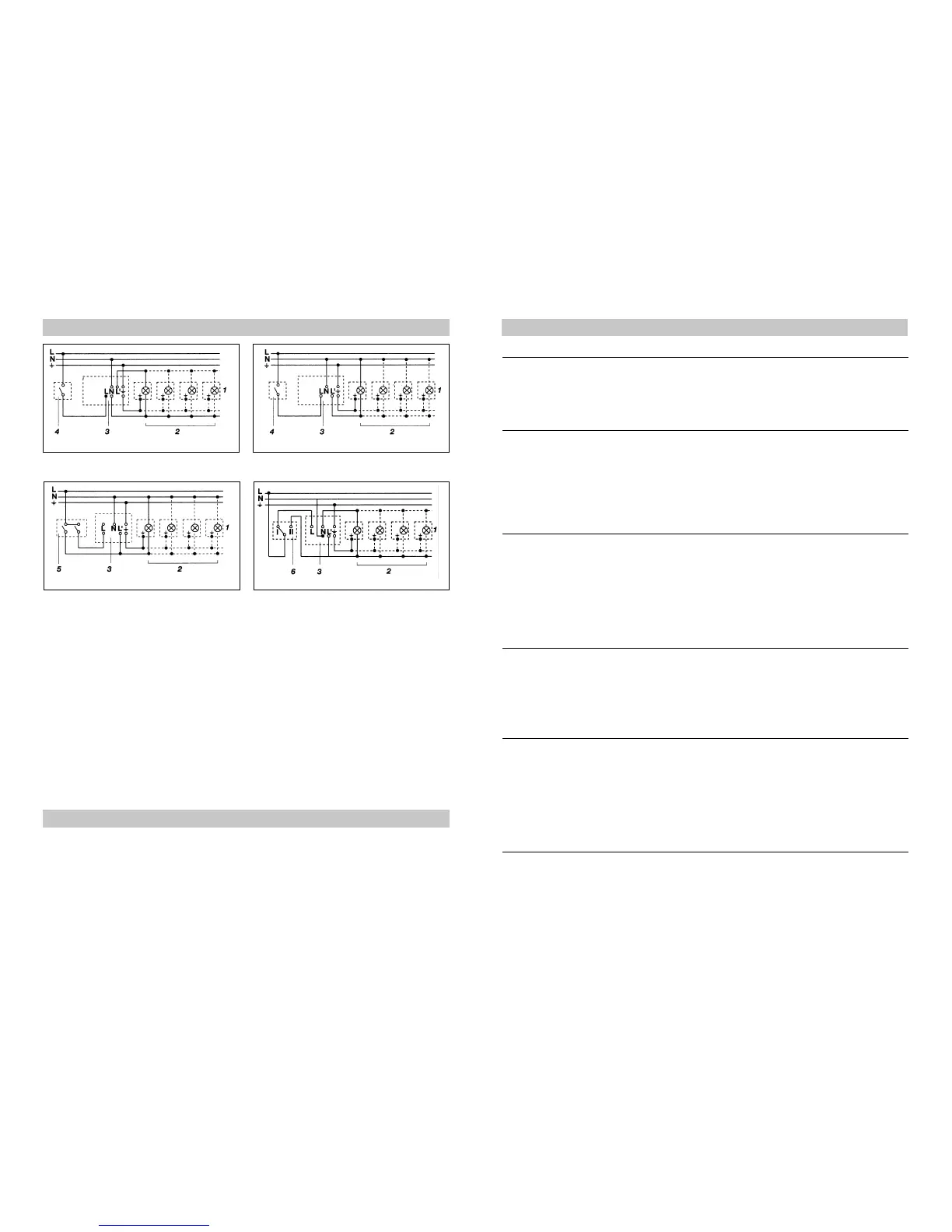
Wiring examples
1. Light without neutral conductor 2. Light with neutral conductor
3. Connection using series switch for
manual and automatic operation
4. Connection to double-throw switch
for permanent light ON and automatic
operation
Setting I: automatic operation
Setting II: manual operation for permanent
light ON
Important: the unit cannot be switched off,
but operated only at settings I and II.
1) e.g. 1-4 x 100 W fi lament bulbs
2) Service load, light of 1000 W max. (see Technical specifi cations)
3) IS 2180-2 connection terminals
4) Indoor switch
5) Indoor series switch, manual, automatic
6) Indoor double-throw switch, automatic, permanent light ON


 To Next Page