54
This programming sequence is taken from the manufacturers programming manual for this con-
troller and reduced to eliminate the non-essential entries. Please follow the entries carefully and if any
questions arise because of misunderstanding the instructions, see your supervisor or call the factory for
clarification. To view the entire EZ-Zone PM Controller Users Manual, go to www.watlow.com,
search on EZONE PM Users Manual.
If at any time during the entries you feel that you have entered an incorrect entry and want to
restart the procedure from the beginning, simply press the Infinity key to return to Home Page from
any page or parameter. After 60 seconds with no key presses, the controller reverts to the Home Page.
The EZ-Zone PM Controller has four menus that are used to determine the configuration and
operation of the controller. They are the Home Page, Setup Page, Operations Parameters Page, and the
Factory Page. If you are installing the EZ-Zone PM Controller, you will need to determine the proper
settings for all pages. The controller is preset at the factory prior to delivery of the equipment and is
ready for operations. Always confirm that the controller is programmed correctly and operating cor-
rectly under normal operating conditions.
Caution: Pay particular attention to the h.SP (High Temperature Set point) setting for max.
product application temperature that is entered on the Setup Page at step 7-8.
Do not set the High Temperature Set Point any higher than the product manufacturer maximum
application temperature recommendations. Do not hesitate to ask your supervisor or call the factory
for the correct setting if any questions or concerns arise.
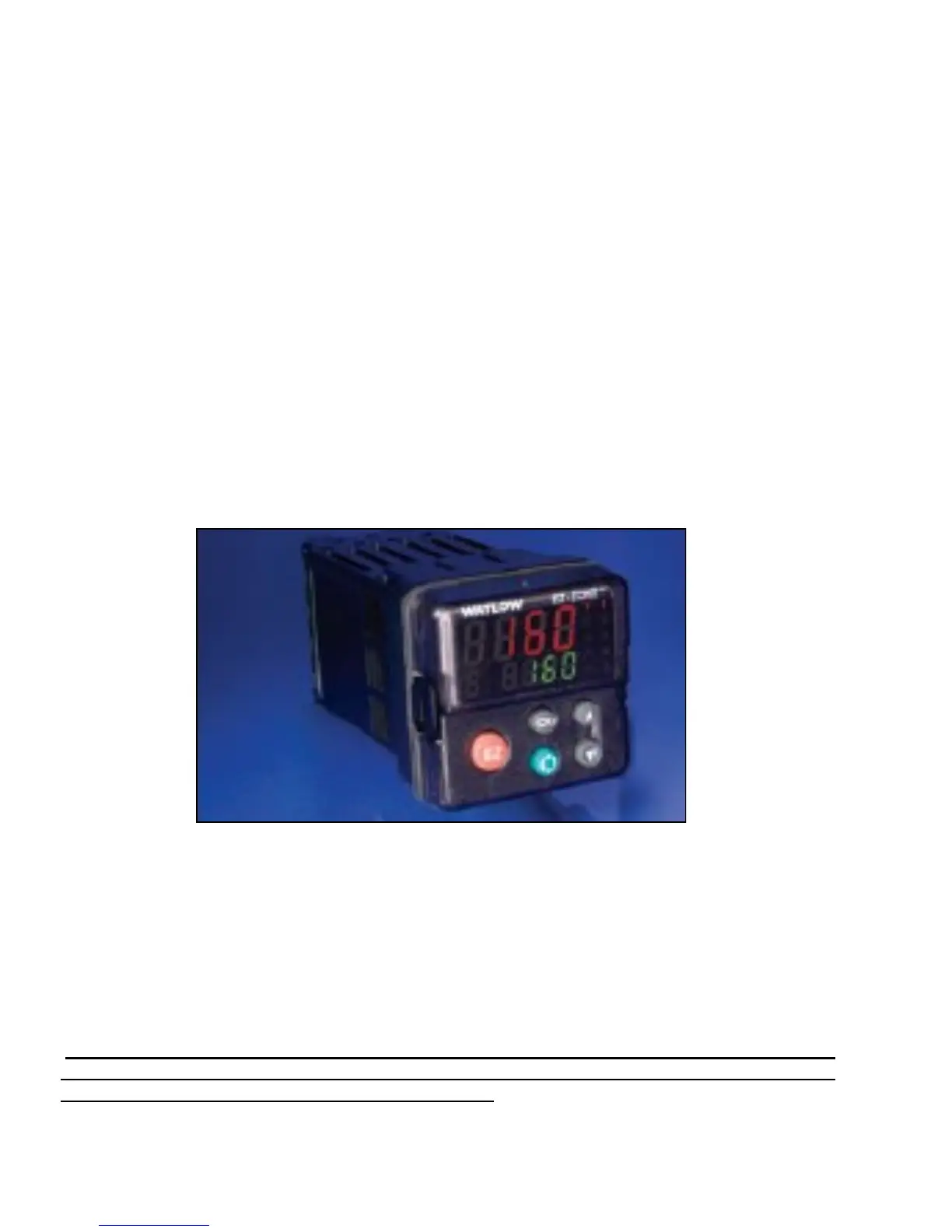
Watlow 12v Series PM
Temperature Controller
Operators Programming Sequence for 12 volt devices.
PN EZ-ZONE– P1003540



 To Next Page