6
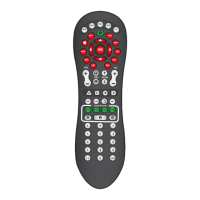
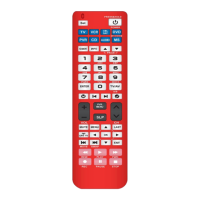
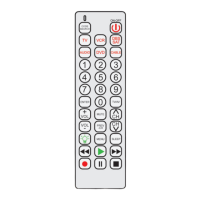
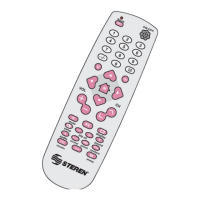
1.-Turn on the television and direct control to the screen.
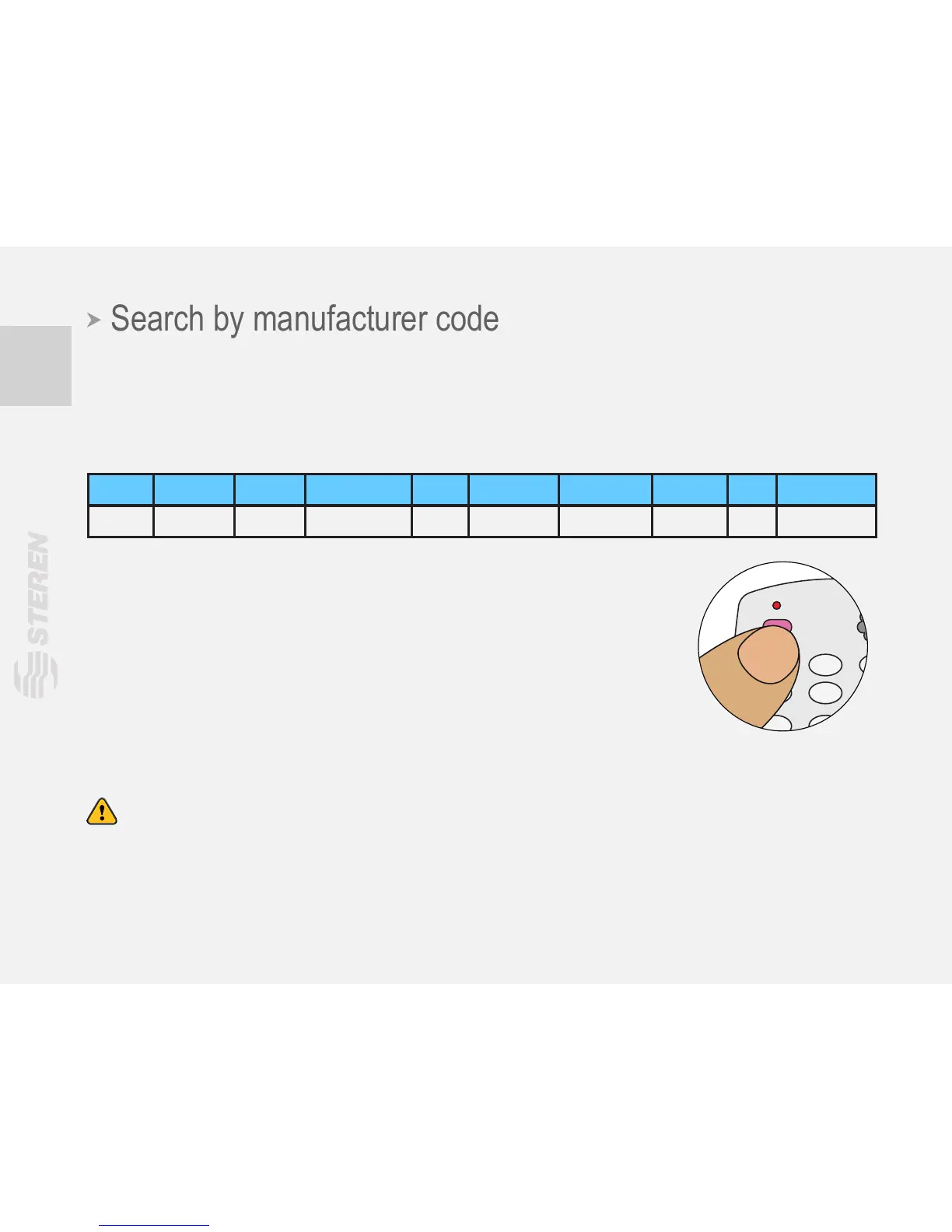
2.-Press Set / ok button and your TV’s brand number. Release until the LED indicator lights
up.
1 2 3 4 5 6 7 8 9 0
Haier Hisense Konka Changhong TCL Skyworth Samsung SONY LG Panasonic
3.-Press Volume and release, watch your TV to see if it shows the
symbol for volume. If there’s no signal repeat the last step.
4.-When Volume symbol appears on television, just press the Set / ok
to turn off the LED indicator.
5.-Press a button on the remote to do a test run, if it does not operate
normally, repeat from step two to start setup again.
Note:
- If any of the buttons do not work, check that your TV has the option available.
- When you want to congure the video, the arrow keys may not work on some TVs, try
pressing the AV key repeatedly to scroll.


 To Next Page