7
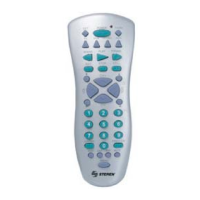
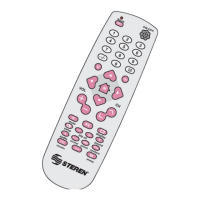
1. Turn on the TV, look at the code list for the one that matches the brand of your TV.
2. Once located the code, press the Set button / ok until the LED indicator lights, then release
the button.
3. Insert three-digit code for your TV, LED indicator light turns off.
4. Press the On / Off, if your TV is turned off the remote control is set up.
5. Check out other functions, if the TV does not respond correctly, repeat steps 1 to 4, using
a new code.
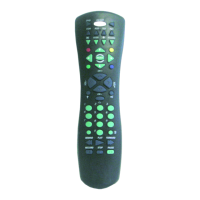
1. Turn on the TV and point the control to it.
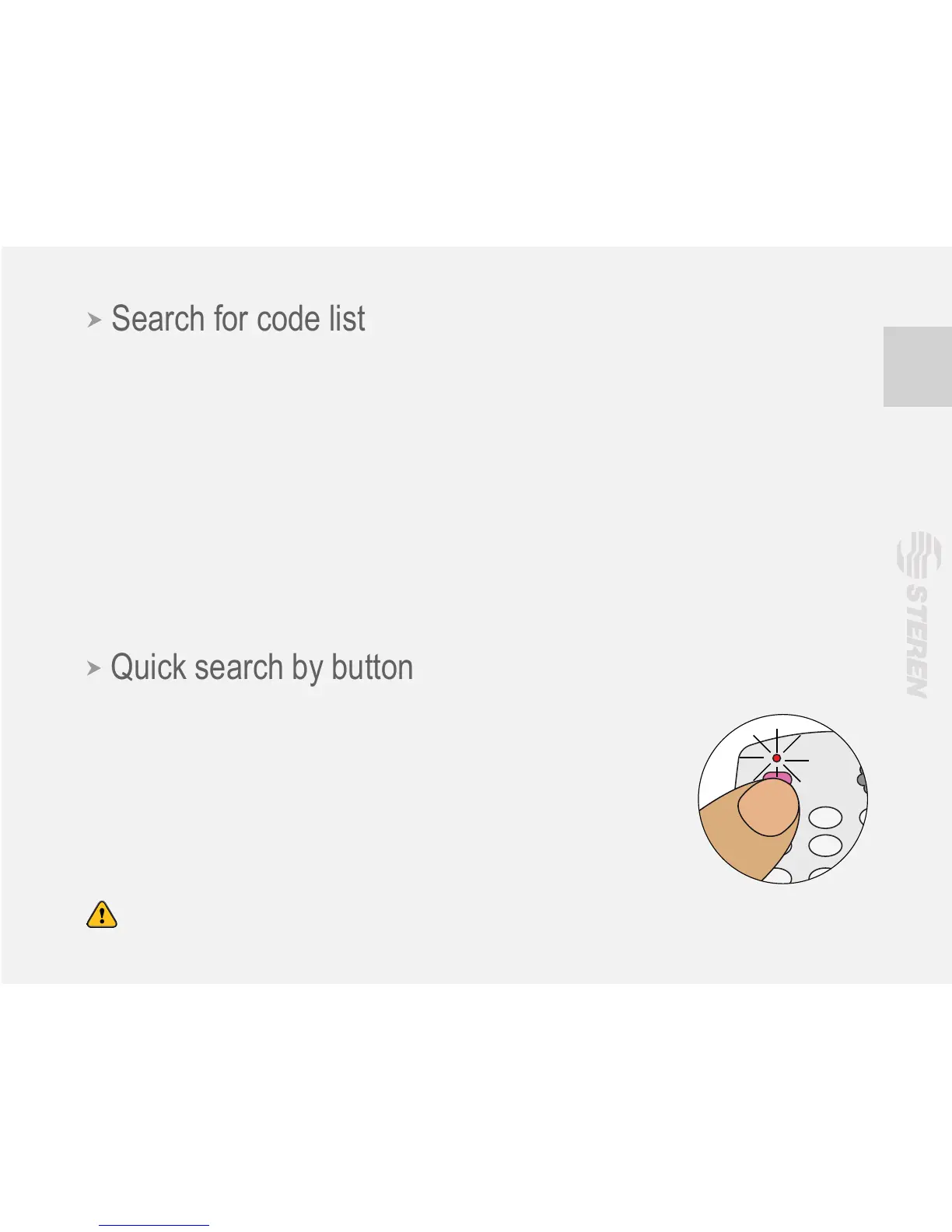
2.-Press the Set / ok for 8 seconds, the LED indicator blinks, then
release it until you see the symbol of volume on the TV screen.
3.-Check that the remote control performs the most of your TV functions
properly. Otherwise, repeat the process.
Note: When changing batteries, the control will not lose the current conguration.


 To Next Page