7
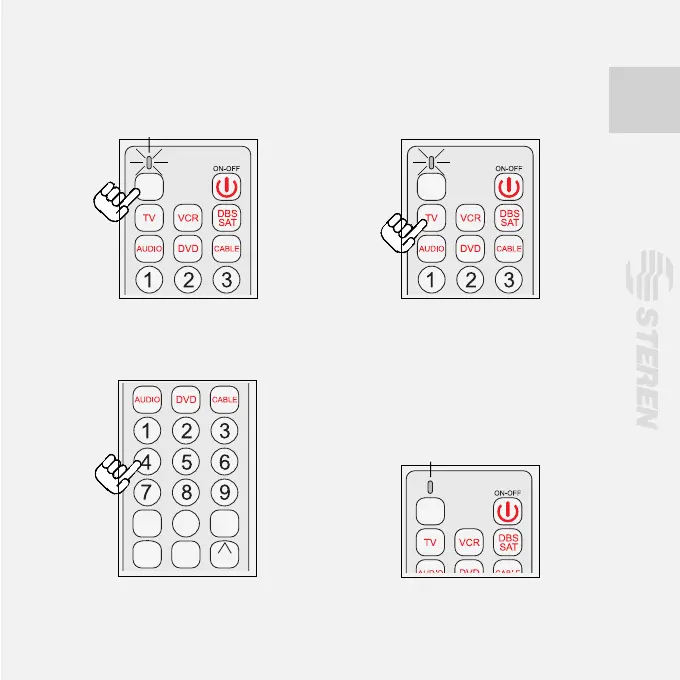
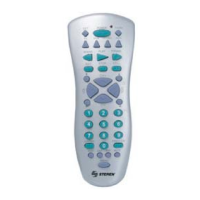
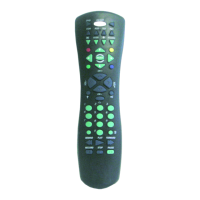
3. Press down key [Code search]
and hold till the indicator light is on.
4. Press once the equipment key, e.
g., TV.
5. Key in the three codes in sequence
of the brand found in the list.
6.The indicator light should be off if
the code is correct. (If the indicator
light quickly ickers for two seconds,
it means the code input is wrong.
Return to Step <2> to input again).
Indication light is on
CODE
SEARCH
0
ENTER
TV/AV
MUTE
PREV
-CH
MENU
SLEEP
+
VOL
VOL
-
CH
CH
CODE
SEARCH
0
ENTER
TV/AV
MUTE
PREV
-CH
MENU
SLEEP
+
VOL
VOL
-
CH
CH
0
ENTER
TV/AV
MUTE
+
VOL
CH
Indication light is off
CODE
SEARCH
7. Press on/off to check functions in TV if you need it, use another code.


 To Next Page