8
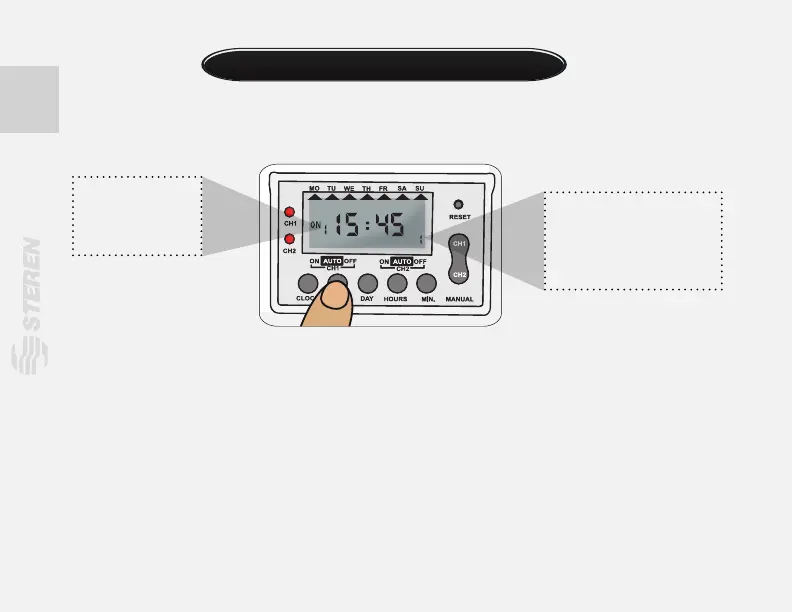
1.- Press PROG once.
Now set the time when you want the device will turn on, the word ON will be displayed in the
screen.
Press “DAY” button to set the day when you want turn on the TEMP-310. Select one option:
- Every day of the week (MO, TU, WE, TH, FR, SA, SU).
- One day of the week (MO, etc.).
- Work days (MO, TU, WE, TH, FR).
- Only weekends (SA, SU)
- Except sunday (MO, TU, WE, TH, FR, SA).
- Alternate 1 (MO, WE, FR).
- Alternate 2 (TU, TH, SA).
- Alternate 3 (MO, TU, WE).
- Alternate 4 (TH, FR, SA).
Events programming
“C1” i n d i c a t e s t h a t
t h e c o n f i g u r a t i o n s
will apply only to devices
c o n n e c t e d t o 1 - 3
connectors (NC or NO).
The number “1”
indicates that you
will set the event 1.


 To Next Page