9
During the setting, if you don´t press any button for more than 2 minutes, the unit will
leave the setting mode automatically. Preset time will be preserved.
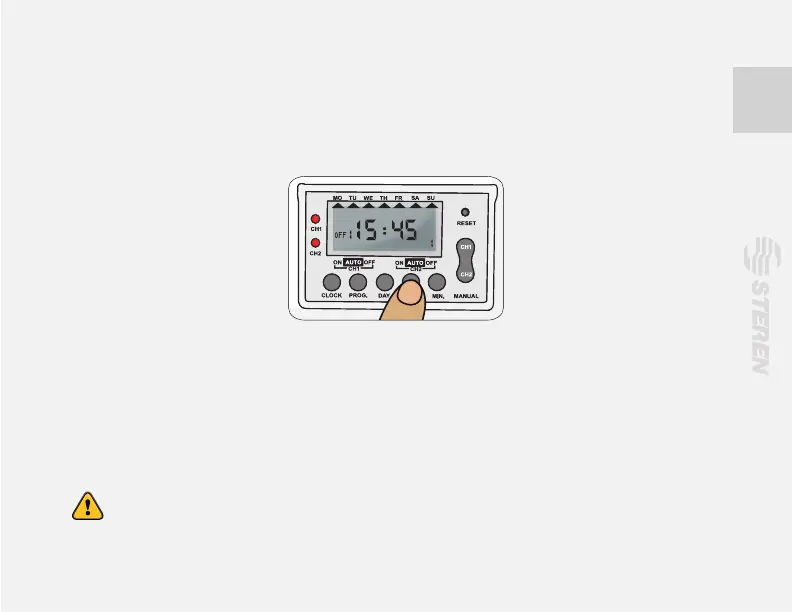
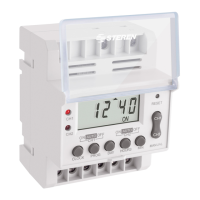
3.- Use “HOUR” and “MIN” buttons to set the time when you want turn on your devices with
the TEMP-310.
4.- Press PROG, the “OFF” word appear on the display. Now set the time when you want the
device turn off, repeat steps 2 and 3 to set.
5.- Repeat steps 1 to 4 if you need to set more events of activation and deactivation. You
have 4 events for CH1 and 3 events for CH2.
When the programming is nished, press CLOCK to return to principal mode.
To run the events automatically set the timer in AUTO modality.


 To Next Page