14
AUS
AFTER SALES SUPPORT
1300 112 534
tempo.org/support
MODEL: AFD24L PRODUCT CODE: 708457 03/2022
Getting Started (Cont.)
Changing the temperature display
The temperature can be displayed in degrees Celsius or Fahrenheit. You can
change the display when the oven is in sleep or idle mode: simultaneously hold the
[ CANCEL ] and [ TEMP + ] buttons for 2 seconds to change the display.
Heating elements
The top and bottom heating elements will
cycle ON and OFF to maintain the desired
temperature. You may not see the heating
elements glowing.
Positioning the oven rack
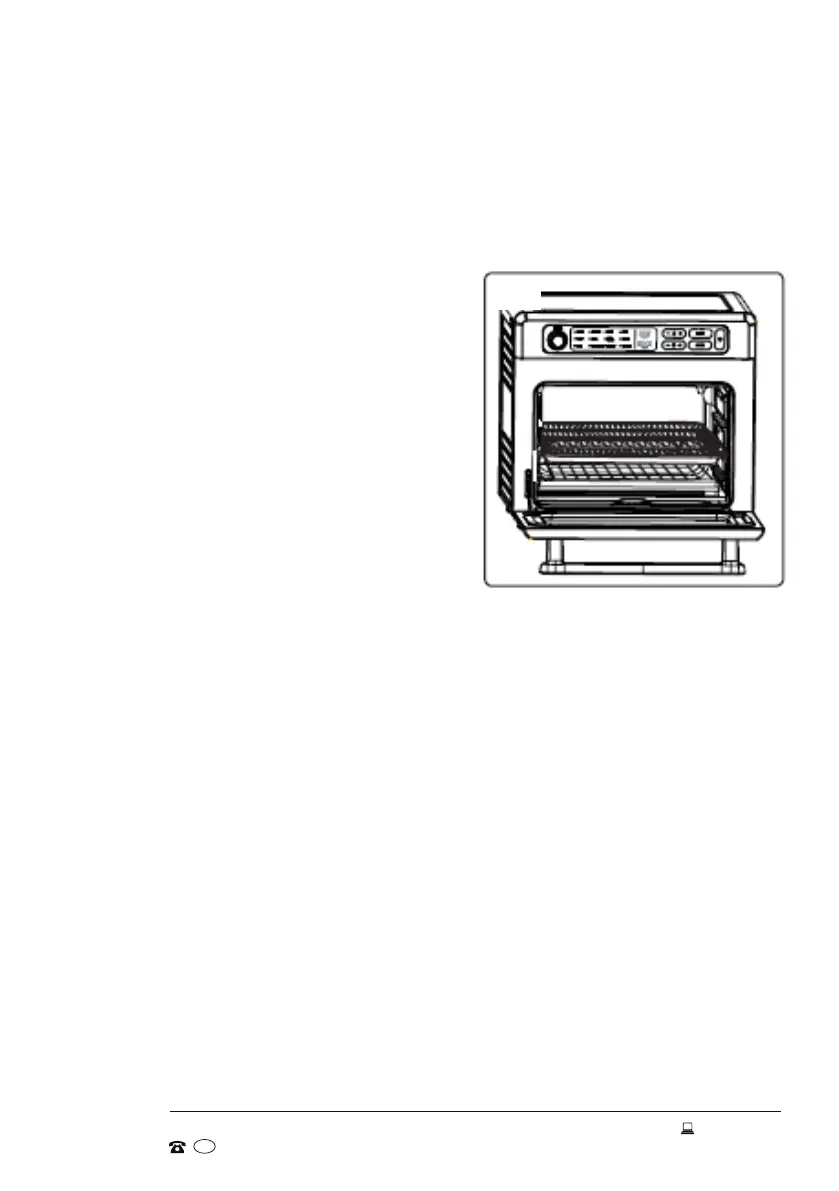
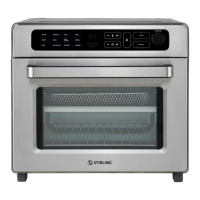
The air fryer oven has three support guides at
the sides of the oven cavity to accommodate a
number of cooking functions (Fig. 3). The best
position for the oven rack or baking tray will
depend on the size of the food to be cooked,
the cooking function and the desired browning
level. For example:
• For air-frying, position the air-frying basket in the baking/drip tray.
• For baking or roasting, position the baking/drip tray in the bottom or middle
guides, depending on the size of your food.
• For toasting, position the oven rack in the middle guide so your toast won't
catch fire.
• Place a baking dish on the oven rack and choose an appropriate support guide
when baking or grilling.
• Do not place food directly on the bottom of the oven cavity.
Before removing a rack from the oven, always allow the oven to cool. Grip the rack
and pull it out carefully to prevent food slipping down the rack when you pull it out.
Preparing the appliance for use
Place the clean and dry appliance on a flat, level and dry surface which should also
be heat-resistant and non-flammable. Ensure there is sufficient free space (15cm)
above and around all sides of the air fryer oven for air circulation.
Unwind the power cord. Check and ensure that the crumb tray is in place and that
there is nothing in or on top of the oven. Plug power cord into an appropriate wall
socket and switch on the power to the outlet.
Fig. 3


 To Next Page